
Managing staff holidays can quickly become a complex puzzle of overlapping requests, forgotten entitlements, and scheduling clashes. While traditional spreadsheets have served a purpose, they often create more administrative work and lack the real-time visibility needed in a modern workplace. This guide explores the best annual leave calendars for 2025, moving from simple templates to powerful software. We will analyse 12 top solutions, highlighting their practical use cases, honest limitations, and how they can transform your approach to leave management.
This curated list is designed to help you find the right tool for your specific needs, whether you're a small business owner on Etsy or an HR manager seeking a comprehensive system. Each review includes screenshots and direct links, so you can assess the options efficiently. By implementing a dedicated system, you not only reduce administrative burdens but also ensure fairness, transparency, and operational continuity for your UK business.
Streamlining leave tracking is more than just an organisational task; it's one of many effective strategies to improve overall work productivity by preventing burnout and ensuring adequate staffing. Let's dive into the calendars that can make your holiday planning seamless.
1. LeaveWizard
For small and medium-sized businesses seeking to graduate from manual spreadsheets, LeaveWizard offers a powerful, dedicated software solution that redefines how annual leave calendars are managed. It is an exceptionally well-rounded platform that combines robust functionality with a user-friendly interface, making it our top choice for companies aiming to automate and professionalise their leave management processes. The system moves beyond simple tracking, providing a comprehensive ecosystem for handling all aspects of employee absence.
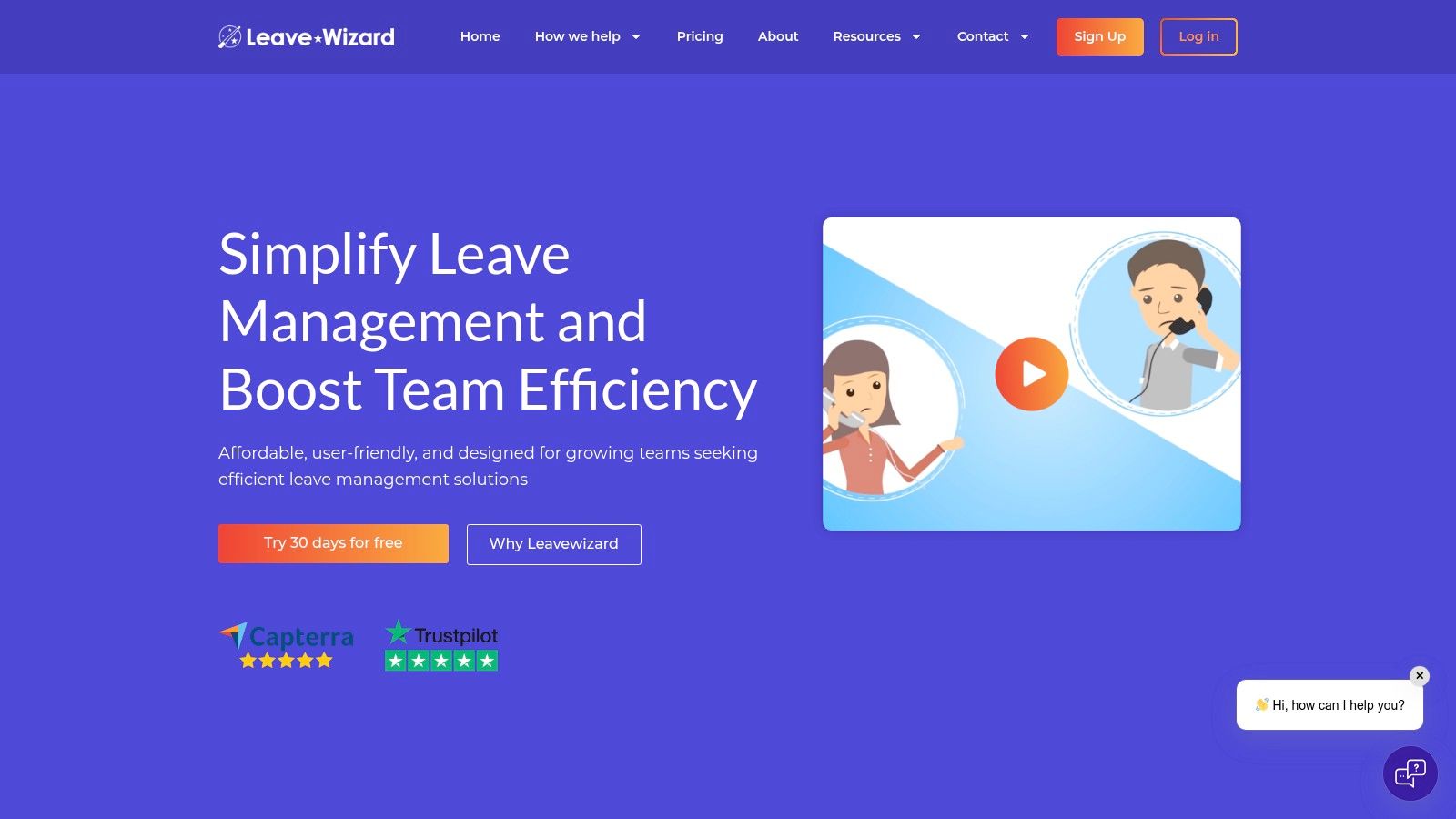
From the moment of setup, which requires no dedicated IT support, LeaveWizard demonstrates its commitment to efficiency. It excels at automating complex calculations like pro-rata holiday entitlement and carry-over allowances, significantly reducing the administrative burden and eliminating the risk of human error. This automation empowers HR managers and team leaders to focus on strategic tasks rather than tedious data entry.
Standout Features and Practical Benefits
What truly sets LeaveWizard apart is its real-time, multi-platform visibility. Both managers and employees gain access to a dynamic, always-up-to-date calendar via a web portal or a dedicated smartphone app. This transparency is a game-changer for resource planning.
- Employee Self-Service: Team members can check their remaining leave balance and request time off from anywhere, fostering a sense of autonomy and reducing HR queries.
- Intelligent Conflict Avoidance: The system automatically flags potential scheduling conflicts based on pre-set rules, such as minimum staffing levels, ensuring business operations are never compromised.
- Customisable Policies: LeaveWizard adapts to your organisation, not the other way around. You can implement custom leave types (e.g., training days, compassionate leave), set different accrual rates, and manage diverse work patterns with ease.
- Integrated Reporting: The platform includes comprehensive reporting tools that provide valuable insights into absence trends, helping managers make informed, data-driven decisions about workforce management.
Use Case: A Growing Service-Based Business
Consider a growing marketing agency with 30 employees. Using spreadsheets for leave tracking has become chaotic, leading to double-booked holidays and confusion over remaining allowances. By implementing LeaveWizard, the operations manager can create a centralised annual leave calendar that provides a single source of truth.
Team leaders receive instant notifications for leave requests and can approve them on their mobile phones, checking the team calendar to ensure project coverage is maintained. This streamlined workflow enhances productivity and improves morale, as the process is fair, transparent, and efficient for everyone involved. For a deeper dive into optimising your scheduling, you can explore LeaveWizard's guide to annual leave planners.
The platform is available via a subscription model, and while specific pricing requires an enquiry, you can explore the full feature set with a 30-day free trial. This makes it a risk-free choice for businesses ready to modernise their approach to employee leave.
2. MTIS Holiday Scheduler
The MTIS Holiday Scheduler is a dedicated software solution built for small to medium-sized businesses that need a straightforward system for managing staff leave. It moves beyond simple spreadsheets by integrating planning for holidays, sickness, training, and other absences into one user-friendly platform. It's an excellent step up for organisations finding their Excel-based annual leave calendars are becoming too cumbersome.
What makes this platform stand out is its emphasis on simplicity and core functionality. The interface requires minimal training, allowing managers to quickly visualise team availability through monthly charts and access individual annual calendars. While it lacks some of the complex automation or HRIS integrations of enterprise-level systems, it excels at its primary purpose: providing clear, organised leave tracking.
Key Takeaway: This is an ideal, affordable software for SMEs prioritising ease of use over advanced, complex features for their leave management needs.
Platform Analysis:
- Best For: SMEs needing a dedicated, low-cost tool to manage various absence types.
- Limitations: Lacks detailed pricing information online, requiring a direct sales enquiry. Its feature set is focused, so businesses needing extensive HR process automation might find it limited.
- Implementation Tip: Use its reporting features to track sickness trends and identify potential burnout patterns before they escalate.
Website: https://holiday-scheduler.com/
3. Staff Annual Leave Tracker by HowieByHoward (Etsy UK)
For micro-businesses or sole traders who need a simple, visually organised tool without the overhead of software, this digital Excel template from Etsy UK is a fantastic option. It offers a clean, manual approach to tracking staff holidays, sickness, and other absences. This template is an excellent starting point for those wanting to formalise their process beyond a basic wall chart, providing a structured yet customisable framework for their annual leave calendars.
What makes this template stand out is its affordability and immediate accessibility. As a one-off purchase, it provides both calendar and financial year formats, a thoughtful touch for UK businesses. While it lacks automation, its strength lies in its simplicity; it’s an editable spreadsheet that anyone familiar with Excel can use instantly. For a more detailed look at how such trackers function, you can explore resources that boost time-off efficiency with an annual leave tracker.
Key Takeaway: An ultra-affordable and straightforward digital download, perfect for individuals or very small teams who prefer a hands-on, manual Excel-based tracking system.
Platform Analysis:
- Best For: Freelancers, micro-businesses, or managers of small teams needing a cheap, ready-to-use template.
- Limitations: Entirely manual entry with no automated calculations for balances or accruals. Not scalable for teams larger than a handful of employees due to the risk of data entry errors.
- Implementation Tip: Customise the colour-coding key within the Excel file to represent different types of leave (e.g., holiday, sickness, compassionate leave) for a clearer visual overview at a glance.
Website: https://www.etsy.com/uk/listing/1397292713/staff-annual-leave-tracker-holiday
4. StaffLeave
StaffLeave is a mobile-first holiday booking platform designed for modern, dynamic teams that require on-the-go access to their leave management system. It shifts the focus from desktop-based planning to real-time mobile interaction, allowing employees to submit requests and managers to approve them from anywhere. This makes it a great choice for businesses with remote workers, field staff, or managers who are frequently away from their desks.
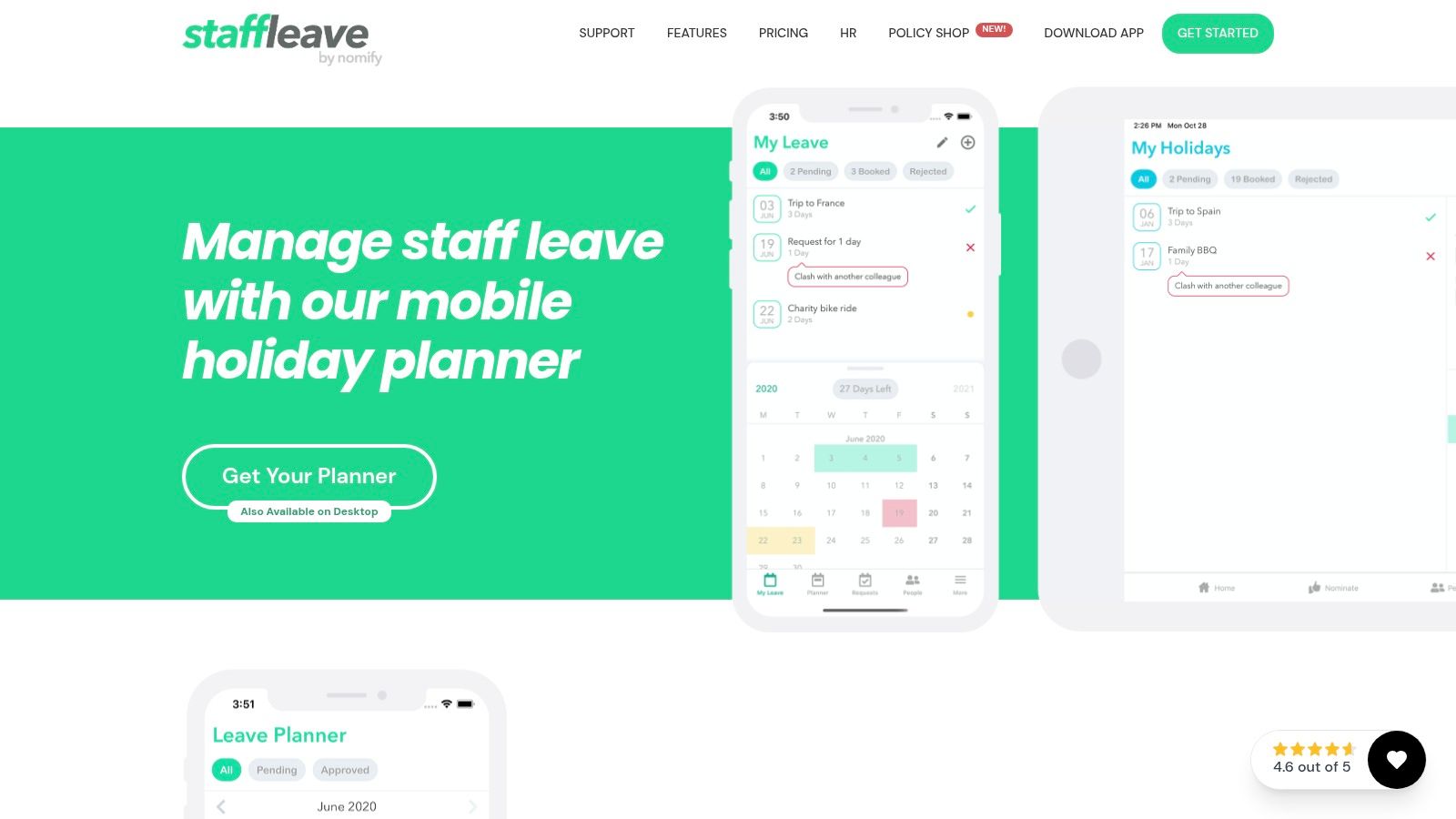
The platform's strength lies in its streamlined mobile app and instant notifications, which ensure that leave requests are handled promptly. While many platforms have mobile apps, StaffLeave's entire philosophy is built around this accessibility, making its user interface particularly intuitive on a small screen. It offers a practical alternative to more traditional annual leave calendars by integrating directly into the daily workflow of mobile-centric teams.
Key Takeaway: Perfect for organisations that prioritise mobile access and need a simple, app-based solution for managing leave requests and approvals instantly.
Platform Analysis:
- Best For: Businesses with remote or field-based teams needing a mobile-first leave management tool.
- Limitations: The free version is quite basic, and advanced features like integrations or detailed reporting require a paid ‘Plus Pack’ subscription, which can become costly for larger organisations.
- Implementation Tip: Encourage all staff to enable push notifications on the mobile app to maximise the platform's benefit of instant communication and rapid approval times.
Website: https://www.staffleave.com/
5. Absentia
Absentia provides a clean and streamlined online system designed to simplify leave management for both employees and managers. Its core strength lies in its intuitive interface for booking absences and approving requests, all while offering powerful integrations with calendar software like Outlook and Gmail. This makes it a strong contender for teams looking for robust annual leave calendars that fit neatly into their existing digital workflows.
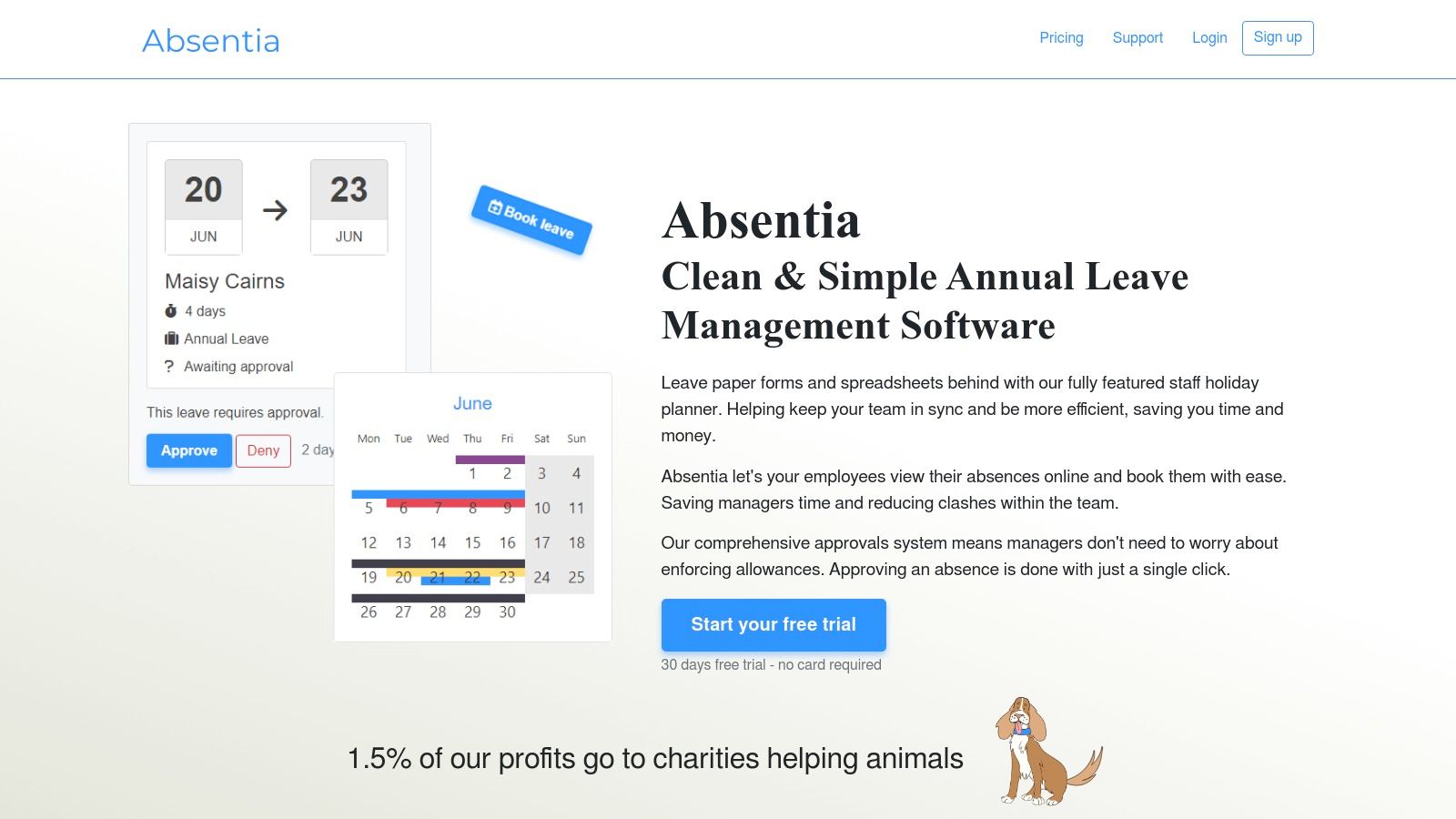
What sets this platform apart is its flexibility in tracking leave, supporting calculations by both days and hours. This feature is particularly useful for companies with part-time staff or flexible working arrangements. The system also includes advanced tools for managing leave accrual policies and setting absence limits by department, giving managers greater control and foresight over team availability.
Key Takeaway: Absentia is an excellent choice for businesses that need granular leave tracking (both days and hours) and deep calendar integration to centralise their planning.
Platform Analysis:
- Best For: Teams that rely heavily on shared calendars (Outlook, Gmail) and require flexible leave tracking options.
- Limitations: Pricing is not transparent and requires a direct enquiry. The full benefit of its integrations may require a notable initial set-up time.
- Implementation Tip: Take full advantage of the 30-day free trial to properly configure the calendar integrations and test the leave accrual rules with a pilot group before a company-wide rollout.
Website: https://absentia.io/
6. BrightHR
BrightHR offers a robust staff holiday planner that functions as a key component of its comprehensive HR software suite. Designed for businesses of all sizes, it automates complex processes like pro-rata holiday calculations and provides instant clash alerts, preventing staffing shortages. This platform moves far beyond basic annual leave calendars by integrating leave management directly into broader HR functions, ensuring legal compliance and operational efficiency.
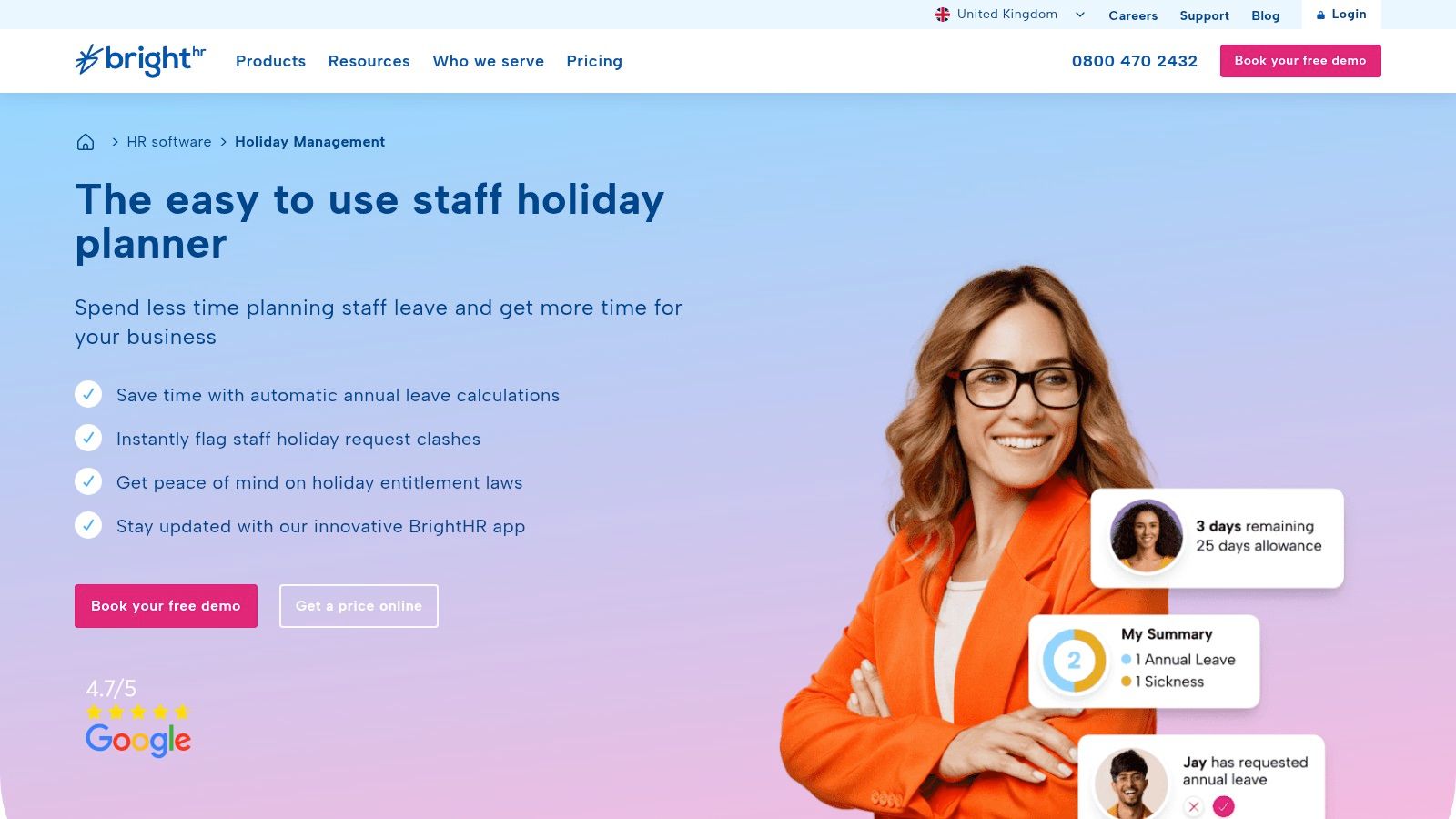
The platform’s strength lies in its mobile-first approach, allowing employees and managers to request, approve, and track leave from anywhere using a dedicated app. This accessibility, combined with its powerful back-end reporting, makes it a powerful tool for modern, flexible workplaces. While it’s part of a larger system, its holiday planning module is exceptionally well-realised and intuitive.
Key Takeaway: BrightHR is an excellent choice for businesses seeking an all-in-one HR solution where a smart, automated holiday planner is a critical, integrated feature.
Platform Analysis:
- Best For: Companies wanting to modernise their entire HR process, with a seamless, mobile-friendly leave system.
- Limitations: Pricing is not publicly listed and requires a direct sales consultation. The comprehensive nature of the software may include features that are unnecessary for very small businesses just needing a simple calendar.
- Implementation Tip: Utilise the mobile app for manager approvals to significantly speed up the leave request process and improve employee experience.
Website: https://www.brighthr.com/hr-software/staff-holiday-planner/
7. ScheduleLeave
ScheduleLeave is an intuitive staff holiday planner designed to replace cumbersome spreadsheets and outdated paper-based systems. It offers a clean, real-time solution for absence tracking, providing each employee with a personal calendar while giving managers access to advanced reporting. This platform is an excellent choice for businesses looking to formalise their leave management without adopting an overly complex system, making the transition from manual annual leave calendars smooth and efficient.
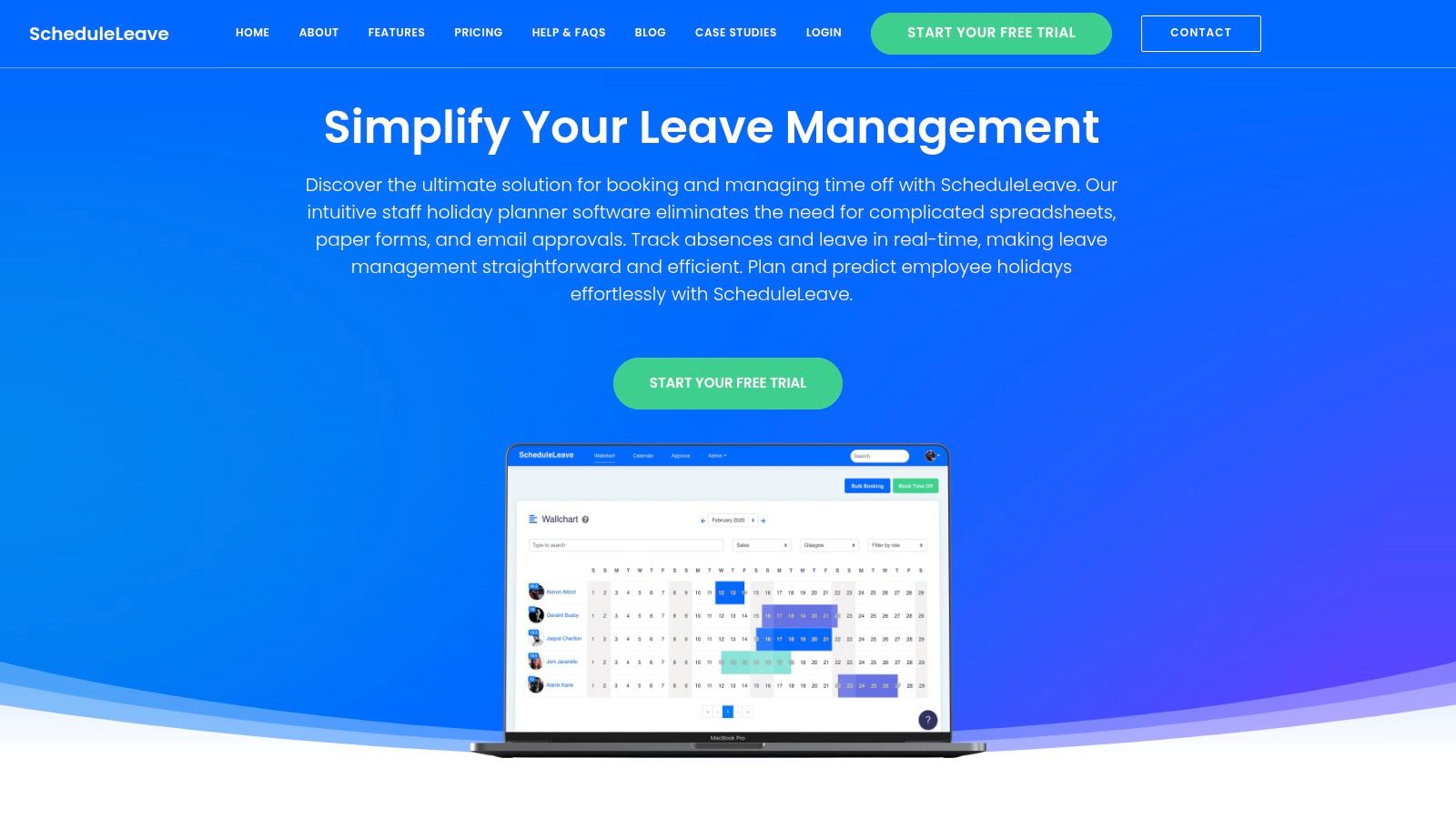
What makes ScheduleLeave particularly appealing is its focus on accessibility and user experience. The platform is designed to work seamlessly across all devices, ensuring that leave requests and approvals can be managed from anywhere. Numerous user testimonials highlight its simplicity and ease of use, suggesting a minimal learning curve for both staff and administrators. As a modern staff holidays planner, it streamlines a core HR function effectively.
Key Takeaway: A user-friendly, multi-device platform perfect for businesses that need straightforward, real-time absence tracking and reporting without the complexity of a full HR suite.
Platform Analysis:
- Best For: Teams and SMEs seeking an easy-to-use, accessible holiday planner that staff can adopt quickly.
- Limitations: Pricing information beyond the free trial is not transparent and requires direct contact. There is also limited detail available regarding third-party software integrations.
- Implementation Tip: Take full advantage of the one-month free trial to get feedback from a small group of employees, ensuring it fits your team's workflow before committing.
Website: https://scheduleleave.com/
8. WorkSmarter
WorkSmarter offers a powerful, streamlined staff holiday planner designed for businesses seeking efficiency and integration. The platform excels at simplifying leave requests and approvals, moving companies away from unreliable spreadsheets and into a more organised system. Its ability to track leave flexibly, either by the hour or by the day, makes it a versatile tool for various work environments, including those with part-time staff or shift patterns.
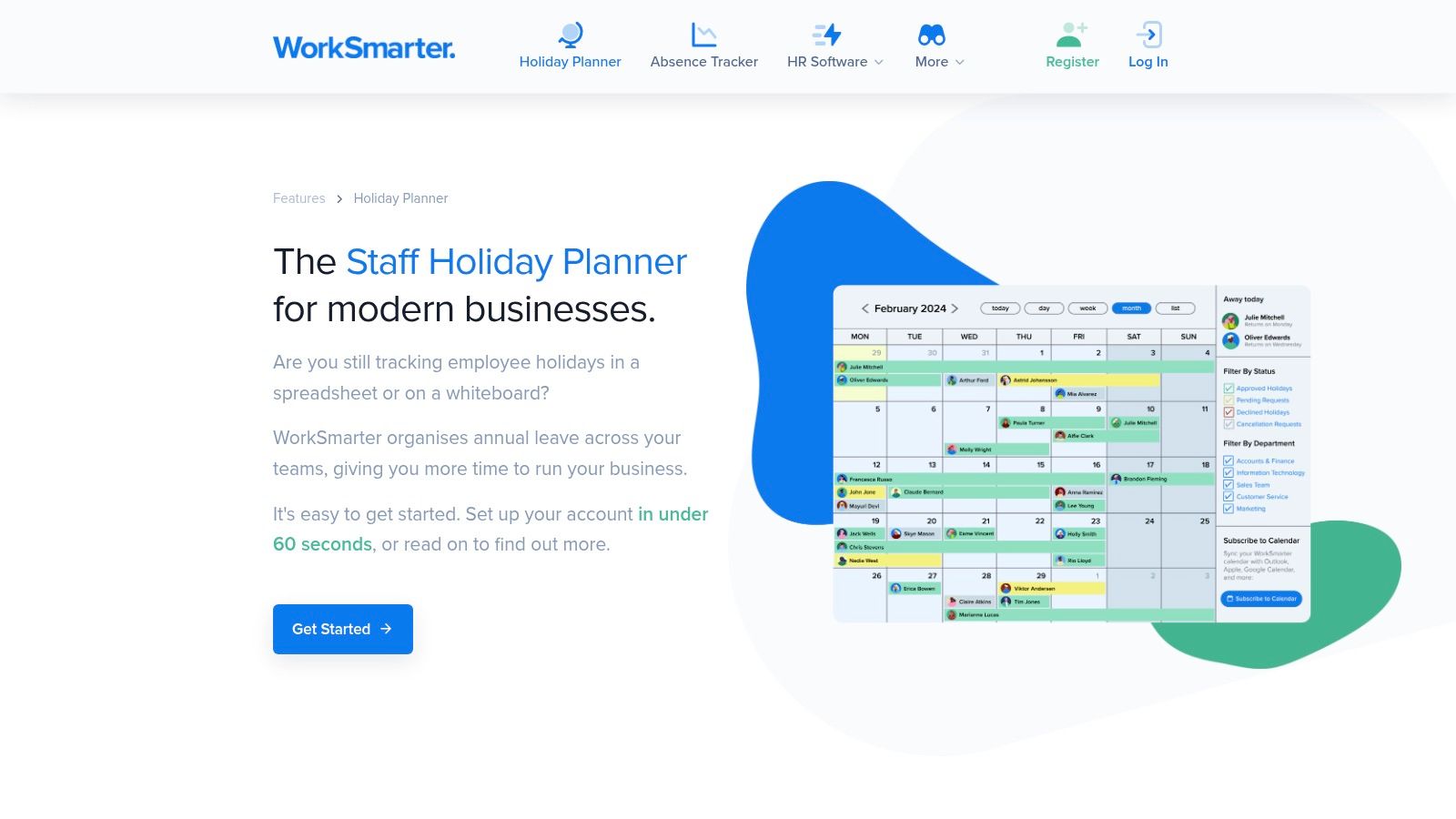
The platform's strength lies in its seamless calendar integrations with popular services like Outlook and Apple Calendar, ensuring team schedules are always synchronised. This feature is crucial for maintaining clear visibility across departments. While it provides one of the best integrated annual leave calendars, its comprehensive feature set might be more than what a very small startup needs, making it better suited for growing businesses looking for a robust solution.
Key Takeaway: A highly efficient and user-friendly platform with excellent calendar integrations, perfect for businesses that need flexible leave tracking by either hours or days.
Platform Analysis:
- Best For: Growing businesses needing a quick-to-implement system with robust calendar synchronisation and flexible leave tracking options.
- Limitations: Pricing is not available on the website and requires a direct enquiry. The extensive features might be overwhelming or unnecessary for smaller teams with simpler needs.
- Implementation Tip: Leverage the detailed help centre during the rapid setup process to ensure all calendar integrations are correctly configured from day one for maximum benefit.
Website: https://worksmarter.co.uk/features/holiday-planner
9. Annual Leave Calculator by ExcelatSaving (Etsy UK)
This Annual Leave Calculator, available as a digital download on Etsy, offers a hyper-focused solution for individuals or very small teams. It’s a prime example of how artisan marketplaces can provide niche professional tools. Designed for the UK financial year, this simple spreadsheet template is editable in both Google Sheets and Excel, making it highly accessible. It strips away all complexity, focusing solely on tracking leave entitlement against days taken.
What makes this resource unique is its simplicity and affordability. For a minimal one-off cost, users get a purpose-built template that is far cleaner than trying to create one from scratch. While it lacks any automation or team-wide features found in software, it’s an excellent choice for freelancers, contractors, or micro-business owners who just need a basic, private way to manage their own annual leave calendars without any ongoing subscriptions.
Key Takeaway: An ultra-affordable, no-frills digital template perfect for individual users who need a simple, private way to track their holiday entitlement.
Platform Analysis:
- Best For: Individuals, freelancers, or sole traders needing a straightforward personal leave tracker.
- Limitations: Entirely manual data entry is required. It is not designed for team collaboration or management oversight and lacks any advanced reporting or approval features.
- Implementation Tip: After downloading, save a blank master copy of the template. This allows you to easily duplicate it for future financial years without having to purchase it again.
Website: https://www.etsy.com/uk/listing/1414547716/annual-leave-calculator-financial-year
10. LeavePlanner
LeavePlanner is a comprehensive online staff leave management system designed to give managers robust control over team availability and absence tracking. It is particularly well-suited for businesses where maintaining minimum staffing levels is critical, offering advanced features that go beyond basic request and approval workflows. For companies looking to formalise their absence management, it provides a powerful, centralised hub for all their annual leave calendars.
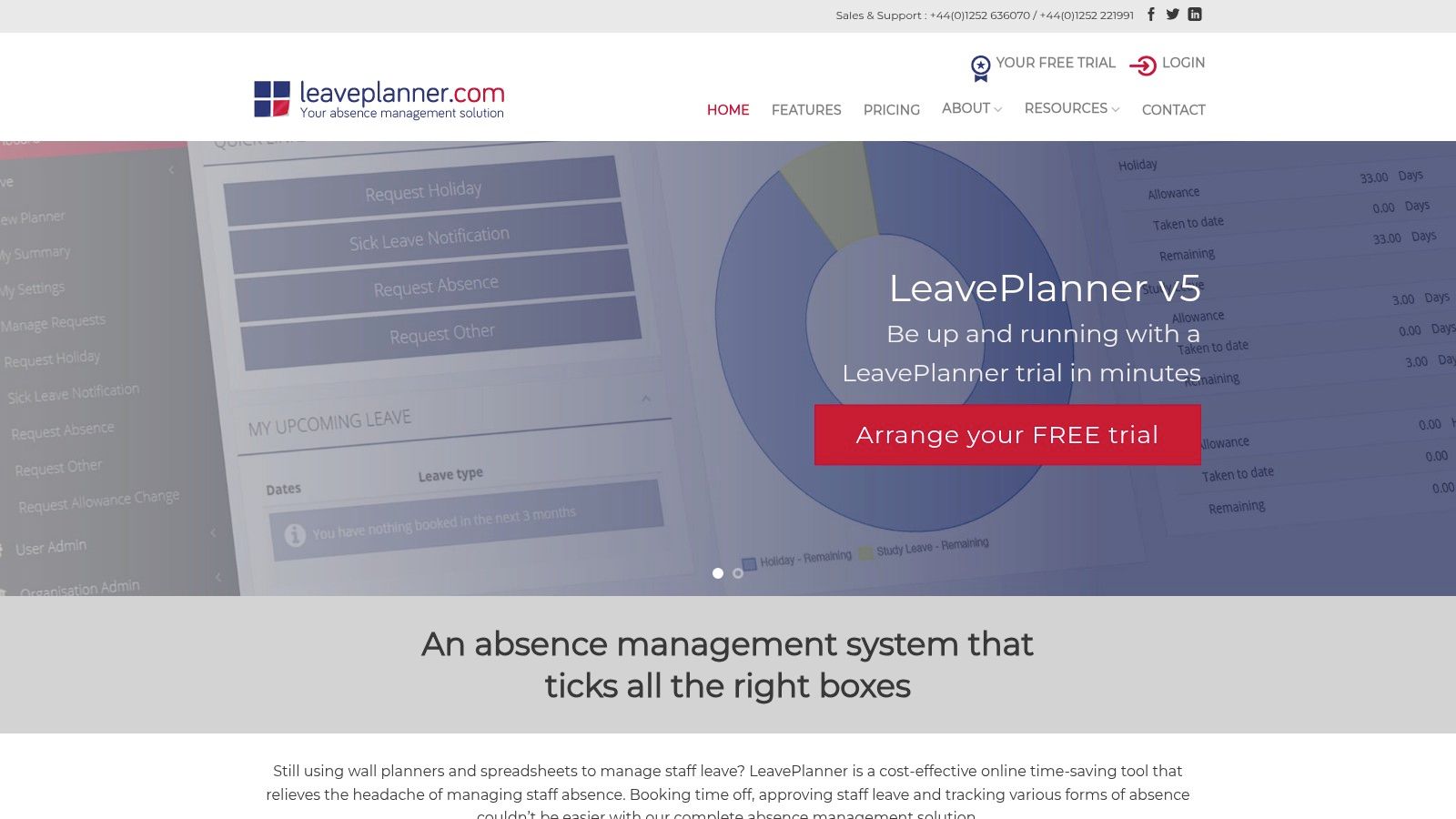
The platform’s standout feature is its "low cover protection," which prevents leave requests from being approved if they would leave a team or department understaffed. It also includes a built-in Bradford Factor calculator, enabling HR managers to monitor and address problematic short-term absence patterns proactively. This focus on operational resilience and data-driven insights makes it a strategic tool rather than just a simple planner.
Key Takeaway: LeavePlanner is an excellent choice for organisations that need to actively manage staffing levels and analyse absence trends to ensure business continuity.
Platform Analysis:
- Best For: Service-based or operational businesses where staff cover is non-negotiable.
- Limitations: The lack of public pricing information requires a direct enquiry, which can slow down the evaluation process. The setup can be more involved due to its customisable nature.
- Implementation Tip: Fully configure the low cover protection settings for each department during setup to automate the enforcement of your staffing policies from day one.
Website: https://www.leaveplanner.com/
11. Flex Planner
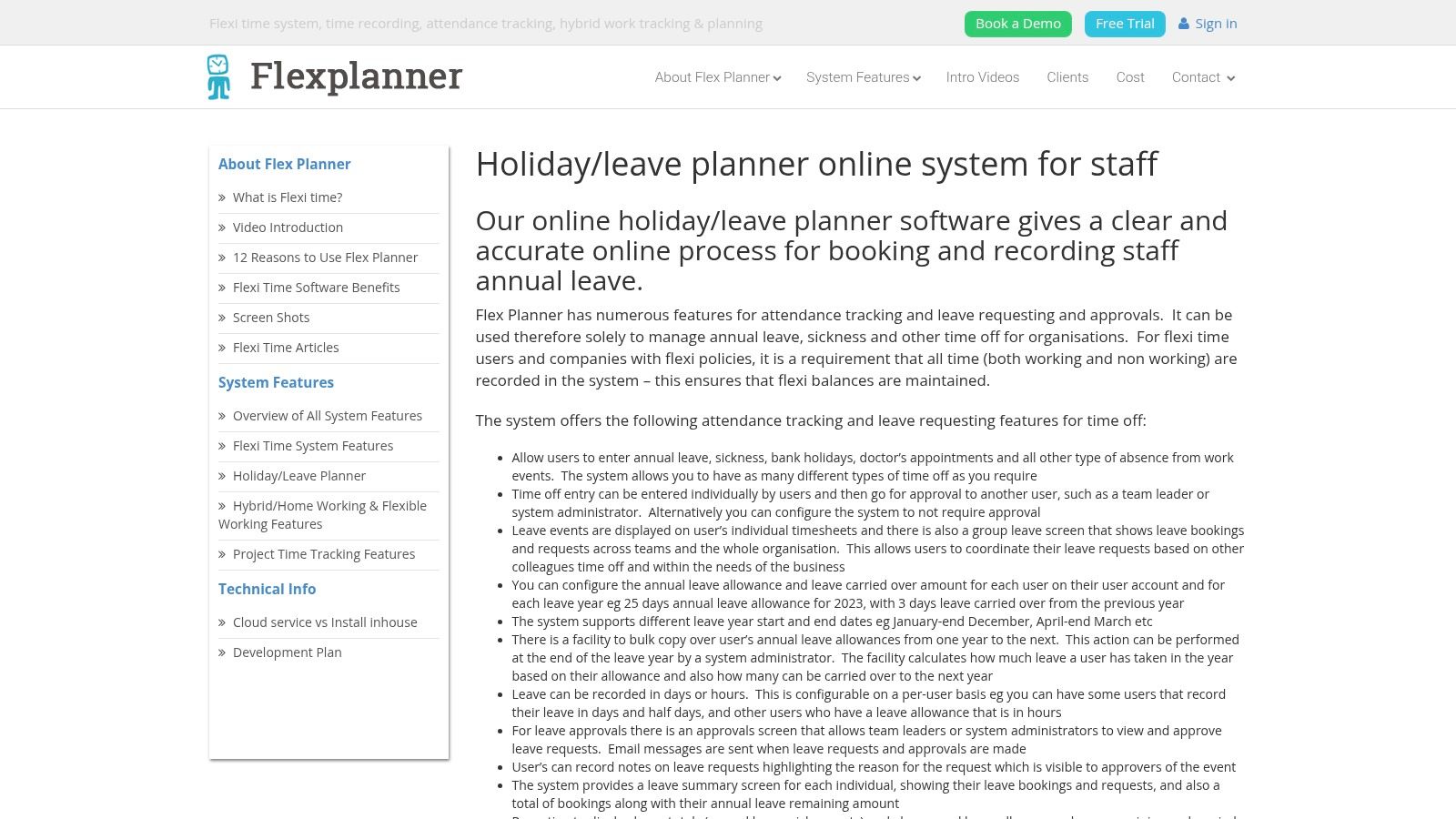
Flex Planner is an online holiday and leave management system designed for businesses that require more than just basic absence tracking. It is particularly well-suited for organisations operating flexible working hours or flexi-time policies, as its core strength lies in detailed attendance and time tracking alongside standard leave management. This makes it a robust solution for companies needing to manage complex working patterns and maintain accurate annual leave calendars.
Its ability to support multiple absence types, from holidays to sickness, and integrate directly with Outlook calendars provides a centralised overview for managers. The system also allows for configurable annual leave allowances and carry-over rules, adapting to specific company policies and ensuring compliance without manual intervention.
Key Takeaway: Ideal for businesses with flexi-time policies that need a system capable of handling detailed time and attendance tracking alongside holiday planning.
Platform Analysis:
- Best For: Organisations that have flexible working arrangements and need a comprehensive system to manage both time and leave accurately.
- Limitations: Pricing is not available upfront and requires a direct enquiry. The platform’s complexity might be excessive for small teams that only need simple leave tracking.
- Implementation Tip: Leverage the Outlook calendar integration immediately to ensure all staff have real-time visibility of team absences directly within their daily scheduling tool.
Website: https://www.flexitimeplanner.com/holiday-leave-planner.aspx
12. PeopleHR
PeopleHR offers a comprehensive absence management system designed to streamline how medium to large businesses handle staff leave. It empowers employees with a self-service portal, allowing them to book holidays directly, which managers can then approve or decline with a single click. This drastically reduces the administrative burden typically associated with managing annual leave calendars and other absences.
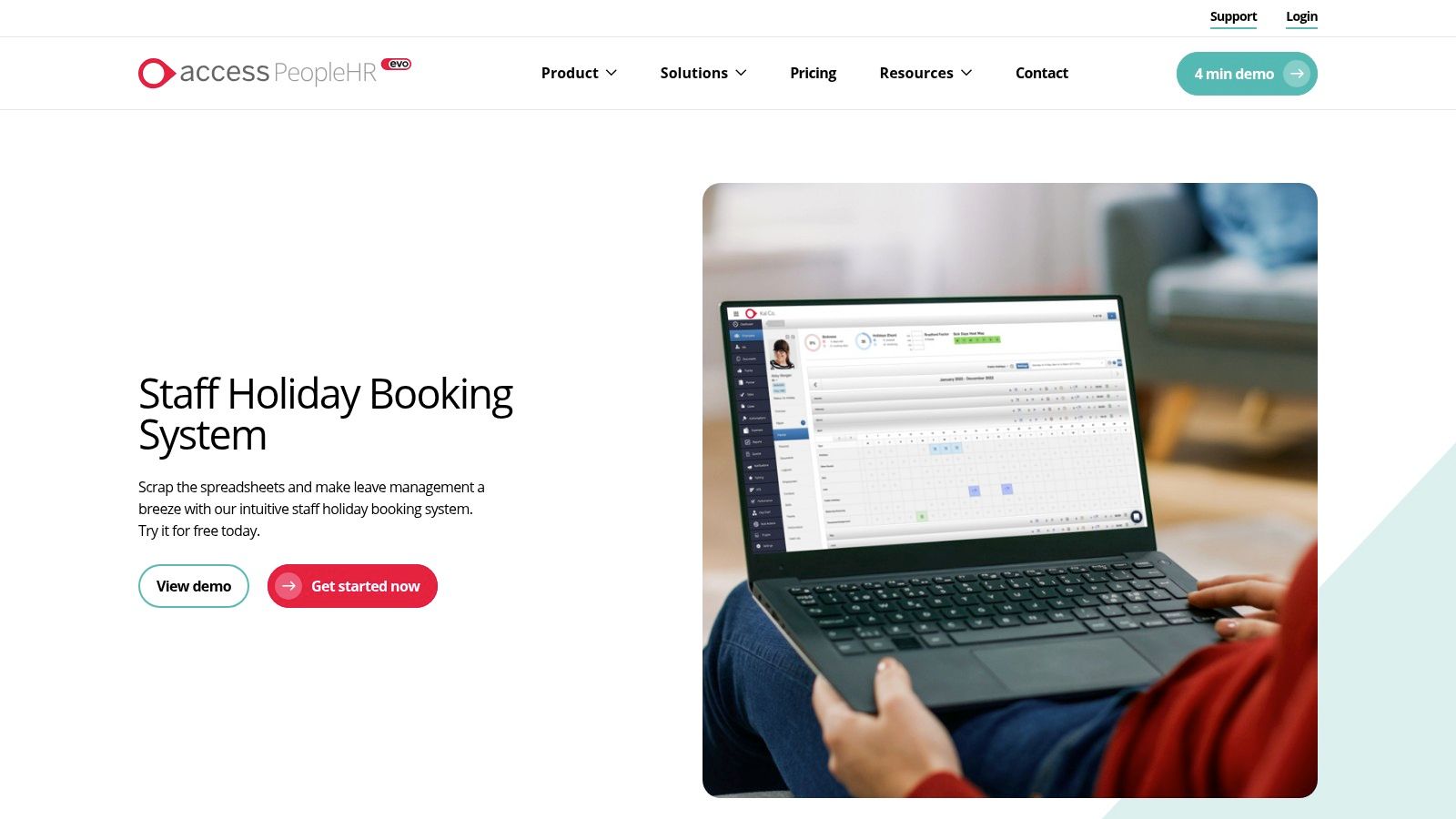
The platform's strength lies in its powerful integrations and robust filtering capabilities. Managers can gain a clear, centralised view of team availability, filtering by department or individual to avoid clashes. Its ability to sync with external calendars like Google Calendar and export data to Excel makes it a versatile tool that fits within existing workflows, moving beyond a simple planner to a more integrated HR solution.
Key Takeaway: A feature-rich HR system ideal for established businesses wanting to automate leave management and empower employees through self-service.
Platform Analysis:
- Best For: Medium to large companies looking for an all-in-one HR system with strong absence management features.
- Limitations: Pricing is not transparent and requires direct contact with their sales team. The extensive feature set might be overly complex for very small businesses.
- Implementation Tip: Leverage the calendar integration feature early on to ensure all team members can see approved leave in their everyday calendars (e.g., Google or Outlook), improving company-wide visibility.
Website: https://www.peoplehr.com/en-gb/hr-systems/absence-management-software/staff-holiday-planner/
Annual Leave Calendars Feature Comparison
| Product | Core Features/Characteristics | User Experience/Quality ★ | Value Proposition 💰 | Target Audience 👥 | Unique Selling Points ✨ |
|---|---|---|---|---|---|
| 🏆 LeaveWizard | Automates leave, overtime, docs; flexible policies | ★★★★★ Intuitive, fast setup, real-time tracking | Contact for pricing; 30-day free trial | Small businesses | Self-service apps, real-time visibility |
| MTIS Holiday Scheduler | Monthly charts, sickness stats, overtime tracking | ★★★★ User-friendly, minimal training | Contact for pricing; affordable | Small to medium businesses | Detailed monthly sheets |
| Staff Annual Leave Tracker (Etsy UK) | Excel editable templates, calendar & financial years | ★★★ Basic manual entry | £2.76 one-time download | Individuals or very small teams | Editable, instant download |
| StaffLeave | Mobile app, notifications, API integrations | ★★★★ Free version; user-friendly | Free + subscription for advanced | All business sizes | Mobile-first, API integration |
| Absentia | Online booking, calendar sync, accrual limits | ★★★★ 30-day trial, simple UI | Contact for pricing | Small to medium businesses | Calendar integration, accrual tracking |
| BrightHR | Auto leave calc, clash alerts, mobile support | ★★★★★ Trusted by 100,000+ businesses | Contact for pricing | Medium to large enterprises | Full HR suite integration |
| ScheduleLeave | Personal calendars, advanced reports, device agnostic | ★★★★ Free 1-month trial | Contact for pricing | Small to medium businesses | Real-time absence tracking |
| WorkSmarter | Flexible leave tracking, calendar integration | ★★★★ Quick setup, strong support | Contact for pricing | Small to medium businesses | Fast setup, multi-calendar integration |
| Annual Leave Calculator (Etsy UK) | Google Sheets/Excel editable calculator | ★★★ Simple and effective for individuals | £2.40 one-time download | Individuals | Easy input, instant download |
| LeavePlanner | Low cover protection, Bradford Factor, customizable | ★★★★ 30-day trial, secure web access | Contact for pricing | Small to medium businesses | Bradford Factor calculator |
| Flex Planner | Multi-absence types, configurable allowances | ★★★★ Comprehensive attendance features | Contact for pricing | Flexi-time organizations | Detailed flexitime support |
| PeopleHR | Holiday planner, self-service, calendar & Excel sync | ★★★★ Trusted by 7,000+ companies | Contact for pricing | Medium to large enterprises | Self-service, multiple integrations |
Choosing the Right Calendar for Your Team's Success
Selecting the right annual leave calendar is a pivotal decision that extends far beyond simple administration. As we have explored, the journey from basic spreadsheets to sophisticated software is about finding the right fit for your organisation's unique structure, culture, and operational demands. This is not just about ticking boxes; it is a strategic choice that directly influences team morale, prevents burnout, and ensures business continuity.
The ideal solution brings clarity and fairness to what can often be a contentious process. Whether you manage a small, close-knit team where a customised Etsy template like the Staff Annual Leave Tracker offers just enough structure, or you oversee a larger workforce with complex accrual rules that demand a powerful system like LeaveWizard or BrightHR, the core principle is the same. You need a system that provides instant visibility into staff availability, automates tedious calculations, and empowers employees to manage their own time off responsibly. Moving away from disorganised spreadsheets or paper forms is an investment in a more transparent and supportive workplace.
Making Your Decision: Key Considerations
To navigate this choice effectively, reflect on the specific pain points you are trying to solve. Your decision should be guided by a clear understanding of your team's needs, not just a list of features.
Consider these final checkpoints before you commit:
- Scalability: Will this tool grow with your company? A simple Excel sheet might suffice for five employees, but it becomes a significant bottleneck when you reach twenty or more. Consider your hiring plans for the next two years.
- Integration: How well does the tool integrate with your existing systems? Look for calendars that sync with Outlook or Google Calendar to avoid manual data entry and ensure everyone has access to the most up-to-date schedule.
- Employee Experience: Is the system intuitive for your staff? A complicated interface will lead to low adoption rates and more queries for HR or managers. A good system, like those offered by ScheduleLeave or StaffLeave, should feel empowering, not obstructive.
- Reporting and Compliance: Do you need detailed reports for payroll, resource planning, or tracking absence patterns like the Bradford Factor? If so, dedicated software solutions are non-negotiable, as they provide the robust data needed to make informed business decisions and ensure legal compliance.
Ultimately, the best annual leave calendars are the ones that become an invisible, seamless part of your daily operations. They free up valuable administrative time, eliminate scheduling conflicts, and give managers the oversight they need without micromanaging. By carefully evaluating your options and choosing a tool that aligns with your business goals, you are not just organising holidays; you are building a more efficient, resilient, and organised foundation for future success.


