You're staring at a mess of emails, a spreadsheet, and a wall chart while one person wants Friday off and another manager needs cover for next week. That's the point where a holiday request app stops being a nice-to-have and starts paying for itself in fewer mistakes, faster approvals, and better visibility across the team. Use the shortlist below to compare tools on the same five questions, request and approval workflow, mobile self-service, integrations, compliance, and reporting, then pick the one that fits your headcount, policy complexity, and budget. By the end, you'll know which tool to trial first and exactly what to test inside the trial.
Table of Contents
- 1. LeaveWizard
- 2. Timetastic
- 3. Breathe HR
- 4. CharlieHR
- 5. Sage HR
- 6. Factorial
- 7. WhosOff
- Top 7 Holiday Request Apps Comparison
- How to Choose the Right Holiday Request App for Your Team
1. LeaveWizard
LeaveWizard is the strongest choice if you want a holiday request app that replaces spreadsheets without turning into a bulky HR suite. It gives small businesses the practical bits that matter, real-time visibility, automated leave calculations, configurable accruals and carryovers, plus 15-minute booking granularity for teams that need more control than a basic calendar can offer. The platform is built for SMEs that need leave, overtime, and shift-pattern tracking in one place, and that matters when managers need to see who's in, who's off, and what cover is left.
LeaveWizard also fits the way small teams work. Employees can request leave through smartphone apps and web portals, while approvers can approve or reject in the app, which keeps requests moving instead of sitting in inboxes. Managers get notifications, calendar views, and detailed reports, so they can plan proactively instead of discovering gaps on the day someone is off. LeaveWizard says you can get up and running in under an hour, there's no credit card required for the 30-day free trial, and pricing beyond that is handled directly with the company.
Practical rule: if your current process needs a wall chart, two spreadsheets, and a dozen follow-up messages, LeaveWizard is the tool that removes the most friction fastest.
Why it stands out for busy operators
The best holiday tools don't just record leave, they stop bad leave decisions before they happen. In the UK, that matters because the statutory notice rule says a worker must give at least twice as many days' notice as the number of days they want off, and Acas gives the example that 10 days' leave requires 20 days' notice. LeaveWizard is a strong fit here because a request app can calculate valid request dates automatically and stop invalid submissions before they reach a manager. UK law also lets employers refuse or cancel holiday with at least the same amount of notice as the leave requested, plus 1 day, so refusal deadlines and audit trails are not optional extras.
Pros
- Fast setup and easy adoption: no IT team required, and the trial is simple to start.
- Live visibility and automation: automated leave calculations, notifications, and reports reduce admin errors.
- Flexible SME rules: supports overtime, shift patterns, multiple leave types, accruals, carryovers, and short bookings.
- Mobile self-service: smartphone apps and web portals let staff request leave without chasing managers.
- Strong fit for growing teams: more than 6,000 customers worldwide gives it solid proof of use at scale.
Cons
- Not a full enterprise HRIS: it stays lightweight by design.
- No public pricing listed: you need the trial or a direct conversation to get subscription costs.
If you want a tool that handles the leave request itself without demanding a big HR rollout, LeaveWizard is the one to trial first. For teams dealing with absence visibility, staffing cover, and better reporting, it's the cleanest starting point.
2. Timetastic
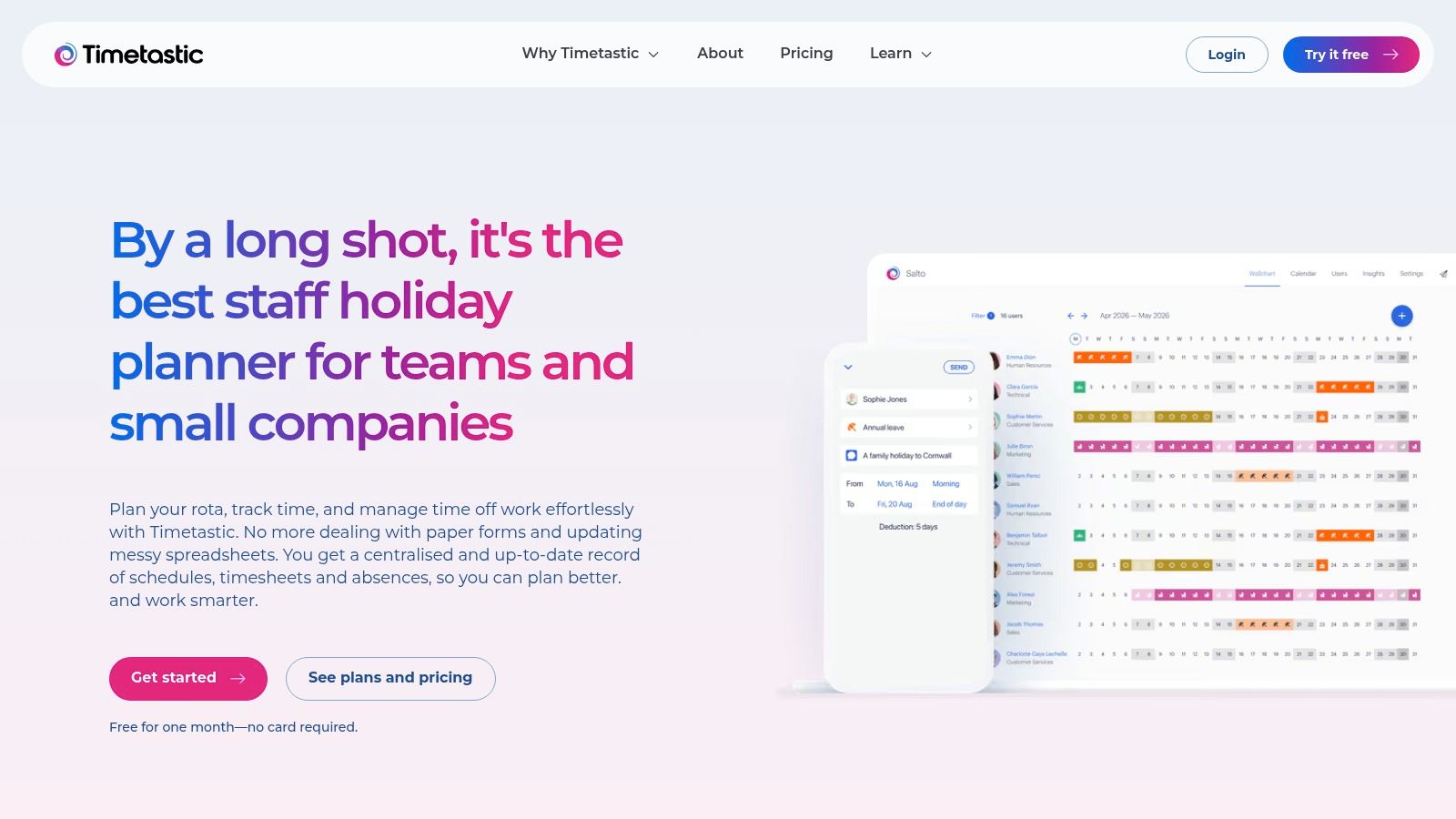
Timetastic is the straightforward pick for teams that want a simple holiday request app and nothing more. It focuses on annual leave and absence, which is exactly why smaller businesses often like it. If your team only needs booking, approval, and a shared view of who's away, Timetastic avoids the noise that comes with broader HR software.
The platform offers web and mobile apps, team calendars, shared wall-chart visibility, and simple approval flows. That makes it a good fit for owners and ops leads who want something staff will use without training sessions or rollout projects. Its calendar integrations and reporting sit on the business and pro tiers, so it can still support teams that need a bit more visibility once the basics are in place.
Best for teams that want fast adoption
Timetastic wins when the buying decision is simple, do we want holiday management or an HR suite. It's purpose-built for leave, so there's less to configure and less to explain. That's useful in smaller firms where the person approving leave is also the person running cover, payroll questions, or the rota.
One UK adoption signal worth paying attention to is that over 19,000 organisations were using cloud-based HR systems with self-service features by early 2025, and some implementations reportedly cut HR admin by 15–20 hours per week while raising user adoption by 40% within three months (LeaveWizard self-service employee portal). Timetastic sits in that same self-service logic, the value comes from turning leave requests into a routine action people can complete themselves.
Keep the tool narrow if your process is narrow. A dedicated leave app beats a half-used HR suite when all you need is booking, approval, and a shared calendar.
Pros
- Very quick to roll out: minimal training and a small learning curve.
- Purpose-built for leave: avoids broad HR complexity.
- Shared visibility: wall-chart style calendars help teams coordinate cover.
Cons
- Limited scope: you'll need other systems for HR files, reviews, or expenses.
- Pricing can vary at checkout: confirm totals before you commit.
Timetastic is a clean choice if your priority is speed, simplicity, and easy team adoption.
3. Breathe HR
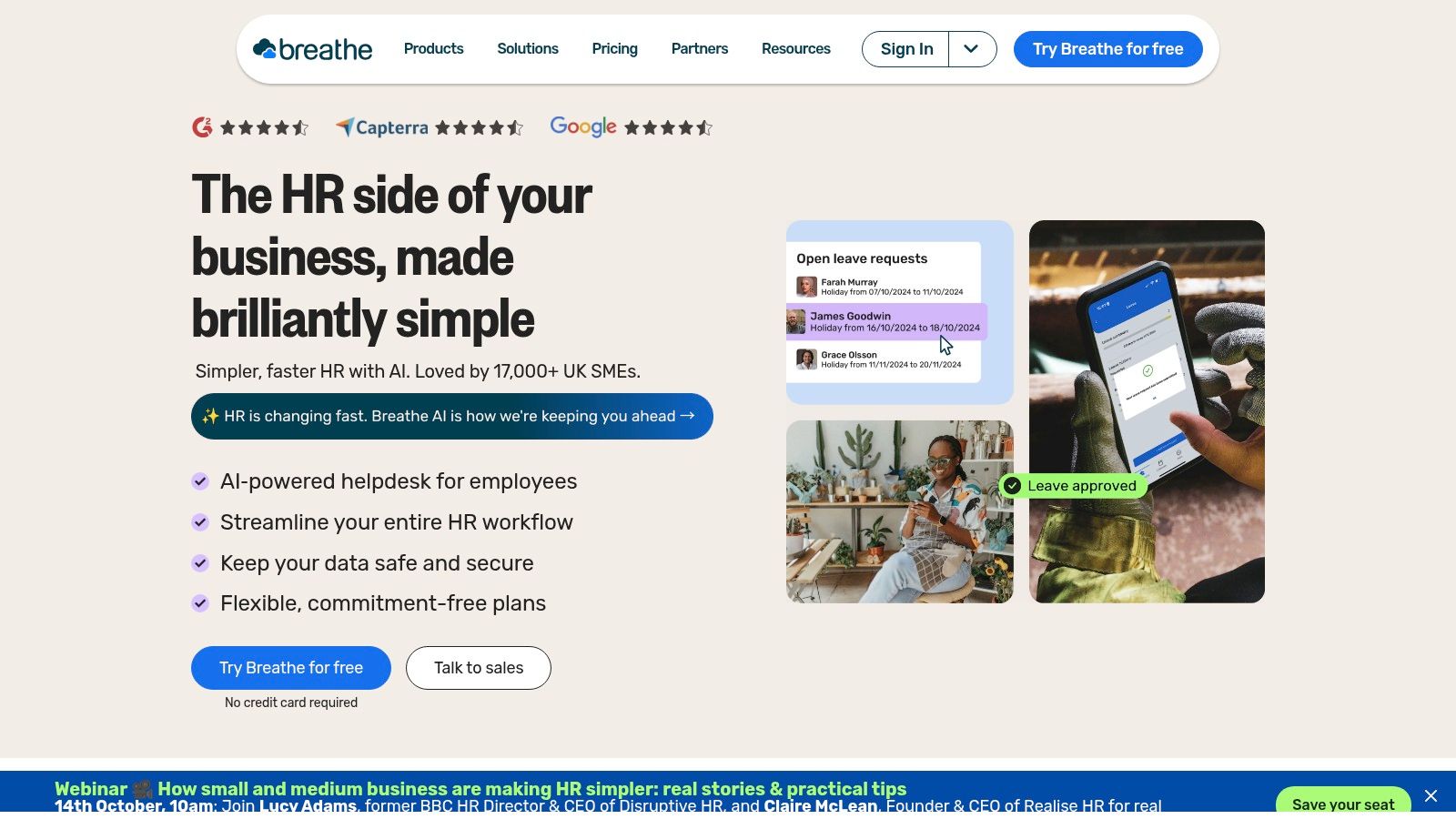
Breathe HR is the best fit for businesses that want holiday management inside a broader UK HR system. Its core product includes holiday and absence management, document storage, policy dashboards, and reporting, so it's more than a booking tool, but it still stays accessible for small businesses. The optional modules, rota and time attendance, expenses, recruitment, Learn, and H&S, make sense if you're building a more organised people stack over time.
The pricing structure is also part of the appeal. Breathe HR uses per-business pricing tiers rather than per-user pricing, which can be helpful as a team grows within a band. That makes budgeting easier when headcount moves around, although you should check whether your plan band changes as you hire. If you need UK-centric support and hosting, Breathe HR leans into that positioning clearly.
Where it makes sense
This is the option for owners who want holiday requests, employee records, and policy storage in one place without moving to a heavyweight platform. It's also a sensible choice if you expect to add modules later and want one vendor rather than a patchwork of tools. The trade-off is cost creep, because add-ons can push the total higher than the core leave workflow looks on paper.
Breathe HR also sits well against a real UK compliance problem. The CIPD reported UK employees averaged 9.4 sick days in the past year, up from 7.8 in 2023 and 5.8 in 2022, with mental ill health the leading cause of long-term absence at 41% and minor illness the top short-term cause at 78% (CIPD health and wellbeing report). When holiday and sickness patterns overlap, a broader HR system can help a manager see the bigger picture.
Pros
- UK-focused: support, positioning, and hosting are geared to UK businesses.
- Per-business pricing: can work well inside a headcount band.
- Core HR plus holiday: useful if you want more than leave alone.
Cons
- Add-ons raise the total: the wider you go, the more you pay.
- Plan changes may happen at thresholds: check bands before rollout.
Choose Breathe HR if you want leave management as part of a wider HR setup, not a standalone booking tool.
4. CharlieHR
CharlieHR suits small UK teams that want time off management alongside the basics of employee records, reviews, engagement, and perks. It's a tidy fit for companies that are moving away from spreadsheets but don't want a complex implementation. The platform gives you a straightforward way to centralise time off and keep the rest of the people process in one place.
Its pricing is built around headcount bands, and it publishes support expectations for live chat, which makes it easier to compare against other options when you're budgeting. That transparency matters for busy operators because you can judge the tool against your actual team size rather than guessing at hidden fees. If you need more than the core package, CharlieHR offers add-ons such as Charlie Recruit and Charlie Grow.
Buyer rule: if you only need holiday, employee records, and lightweight reviews, CharlieHR is enough. If you expect deeper HR or recruiting needs, budget for add-ons early.
Good for simple consolidation
CharlieHR works best when the goal is to tidy up a few separate admin tasks and keep the team in one system. It won't be the deepest platform on this list, but that's also why many smaller businesses like it. The interface stays focused on the essentials, and that usually means faster adoption from managers who don't want another complicated dashboard.
The strongest comparison point here is the user experience gap in self-service. A 2026 survey of 1,000 UK employees at large organisations found a quarter self-serve only 0–25% of HR needs, only around one in five feel they can self-serve almost everything, and frontline and hospitality workers were lower at 33% self-serve usage (employee self-service in 2026). CharlieHR is a good option only if employees can get to the feature they need without help.
Pros
- Clear UK pricing: easier to budget by headcount.
- Simple consolidation: time off plus other HR basics in one package.
- Transparent support: live chat SLAs help set expectations.
Cons
- Advanced needs require add-ons: ATS and advisory services cost extra.
- Promotional micro-team pricing changes later: check what happens after the opening period.
Pick CharlieHR if you want a tidy UK HR system that handles leave without turning into a project.
5. Sage HR
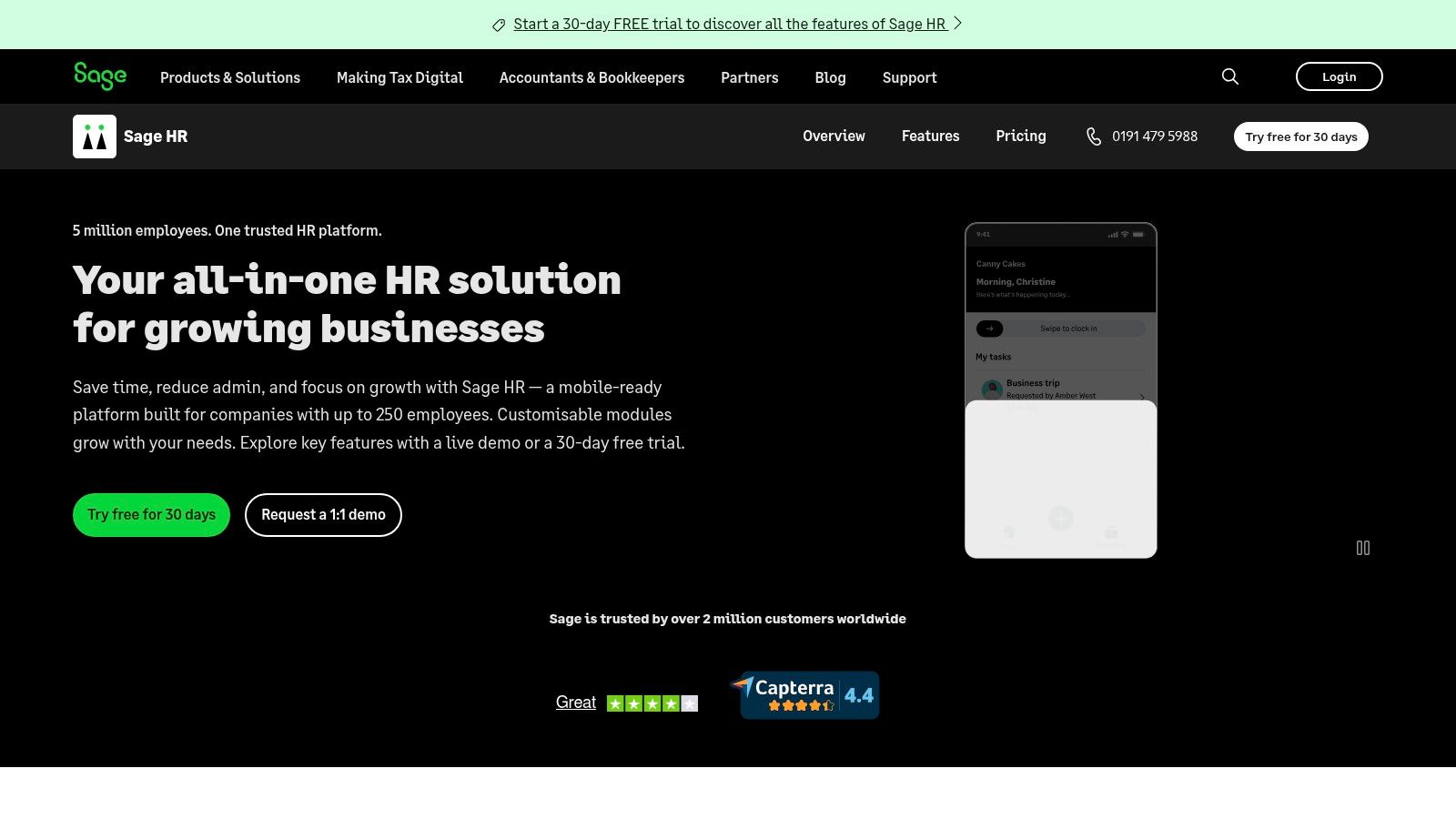
Sage HR is the best fit for businesses that already trust the Sage ecosystem and want leave management connected to payroll and other HR modules. Its Core HR and Leave Management module forms the base, and you can add performance, timesheets, shift scheduling, expenses, or recruitment as needed. That modular model makes sense for growing teams that want room to expand without switching platforms later.
The standout advantage is the connection to Sage Payroll for payslip and P60 distribution. For UK operators, that reduces the risk of leave data living in one system and payroll in another, which is where avoidable admin work often starts. Sage also offers a 30-day free trial and transparent module pricing, so you can at least budget from a known starting point.
Best when payroll alignment matters
Sage HR is not the lightest tool here, but it earns its place if your leave process needs to sit alongside payroll and other HR data. That matters when managers approve leave, payroll needs clean records, and finance wants fewer manual checks. A broader system can save time if you're already dealing with multiple adjacent workflows.
The caution is simple. If you only need a holiday request app, Sage HR may be more tool than you need. If you know you'll add timesheets, shifts, or recruitment later, the modular setup becomes a strength instead of an overhead.
Pros
- Transparent module pricing and trial: easier to test before committing.
- Payroll integration: useful for UK payroll workflows.
- Modular approach: add capabilities only when you need them.
Cons
- Total cost depends on modules and headcount: budget carefully.
- Can be too broad for simple leave-only needs.
Sage HR is the sensible shortlist choice when leave sits inside a bigger operational workflow and payroll alignment matters.
6. Factorial
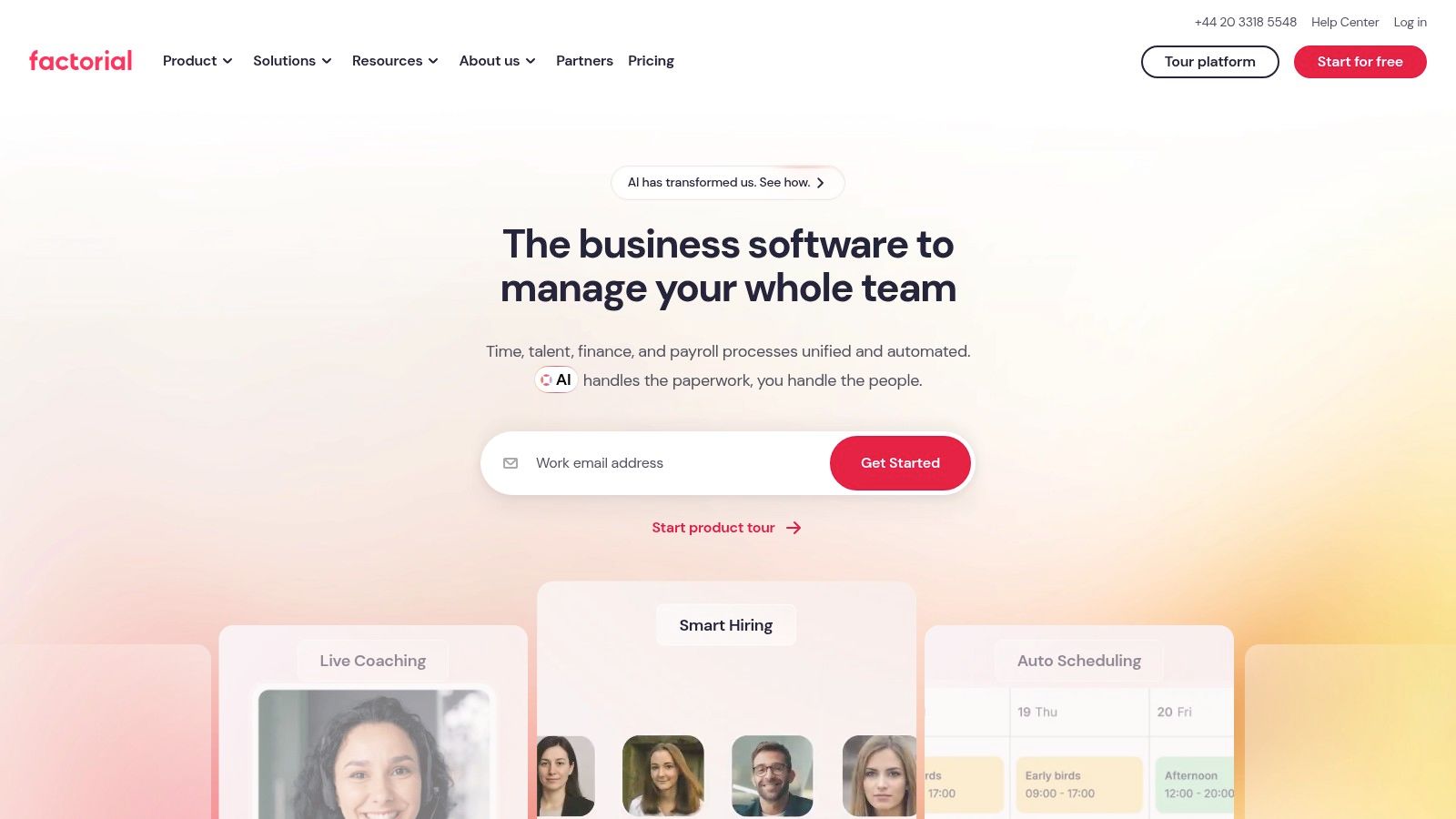
Factorial is the strongest scaling option for businesses that want a wider HR platform with Time Off at the core. It includes unlimited policies, custom absence types, exportable data, time tracking, shift management, performance, recruitment, and expenses. That breadth makes it a serious contender for SMEs that know leave is only one part of the people-process puzzle.
The platform also gives you role-based permissions and multi-level approval workflows, which is where it starts to make real operational sense. If different managers approve different absence types, or if leave needs to pass through more than one person, those controls matter. The UK site publishes a clear per-user starting price, which helps with early budgeting even if the final quote still depends on your setup.
Best for teams that expect to grow into the platform
Factorial makes the most sense when you don't want to buy a leave-only tool today and replace it in a year. It has room to absorb more of your HR workflow as you scale, which can be efficient if you expect more absence types, more managers, and more reporting needs. The downside is setup. A broader suite usually takes more configuration than a single-purpose booking app.
The UK absence-management case is part of the reason this matters. WTW's 2023 survey found 34% of UK employers had experienced increased employee absence in the prior year, with an average of 4.8 days lost per employee per year and an absence rate of 4.0% in 2023, the highest level in a decade (WTW survey). A tool like Factorial helps when leave management has to sit inside a broader absence picture.
Pros
- Broad feature depth: strong if you need more than leave.
- Flexible module approach: add the parts you use.
- Clear starting price: helpful for early budgeting.
Cons
- Final pricing still depends on quote and add-ons.
- More setup than a simple leave tool.
Choose Factorial if you want a platform that can grow with your HR operation, not just record holidays.
7. WhosOff
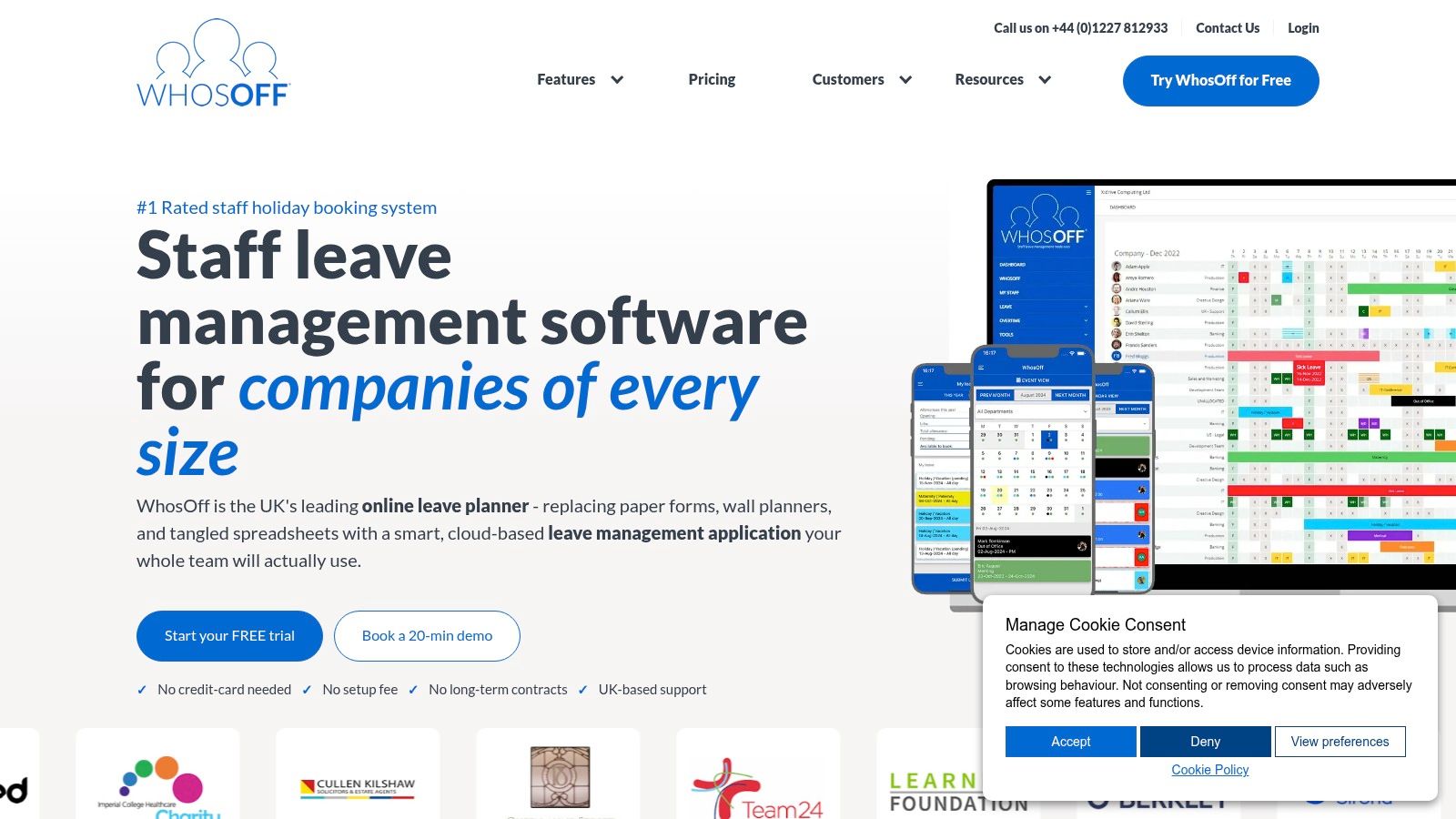
WhosOff is the no-nonsense option for businesses that only want holiday and absence tracking. It's built around online leave requests, approvals, and team calendars, so the workflow stays simple and familiar. If you're replacing a basic spreadsheet or wall chart, that straightforwardness is a feature, not a limitation.
The pricing model is easy to understand, you pay for the staff on the system, and the platform offers an up to eight-week free trial with UK-based support and billing options. That makes it practical for smaller firms with changing headcounts, because you're not locking into a heavy contract just to manage time off. It's a sensible choice for businesses that want to keep admin light and stay focused on leave.
Simple, flexible, and easy to understand
WhosOff's appeal is that it stays in its lane. You won't get a broad HR suite, and that's fine if your real problem is managing requests, approvals, and calendars cleanly. It's the kind of tool that works well when managers need to know who's away without learning a new system every month.
A practical leave process also needs to handle refusal timing properly. UK law gives employers a matching power to refuse or cancel holiday by giving at least the same amount of notice as the leave requested, plus 1 day, so a request for 10 days needs 11 days' notice to refuse or cancel it (GOV.UK holiday booking guidance). That's exactly the kind of rule a simple leave system should keep visible.
Pros
- Easy to administer: simple leave and absence tracking.
- Flexible billing: pay only for the staff on the system.
- Good for leave-only needs: no unnecessary extras.
Cons
- Limited beyond holiday tracking: you'll need other tools for broader HR.
- Some users report quirks: especially around UX and calendar integration.
WhosOff is the right shortlist pick if you want a plain, dependable leave tool and nothing else.
Top 7 Holiday Request Apps Comparison
| Product | Implementation complexity 🔄 | Resource requirements ⚡ | Expected outcomes 📊 | Ideal use cases 💡 | Key advantages ⭐ |
|---|---|---|---|---|---|
| LeaveWizard | Low, fast setup (under 1 hour), no IT | Minimal, web/mobile, 30‑day trial | Real‑time visibility; fewer errors; automated accruals | SMEs, remote/distributed teams, managers needing live team view | Fast adoption, flexible rules, 15‑min granularity, strong social proof |
| Timetastic | Very low, purpose‑built, simple flows | Minimal, mobile/web; basic integrations on paid tiers | Streamlined holiday booking and approvals | Small teams wanting single‑purpose holiday tool | Lightweight, very quick rollout, easy to use |
| Breathe HR | Moderate, core HR plus optional modules | Moderate, module setup; UK hosting/support | Consolidated HR + leave, reporting and compliance | UK small businesses needing HR beyond leave | UK‑centric support, per‑business pricing, core HR included |
| CharlieHR | Low‑moderate, straightforward setup, add‑ons available | Minimal to moderate, headcount pricing, optional add‑ons | Basic HR workflows with time off consolidation | Small teams moving from spreadsheets to a simple HR system | Clear pricing bands, published SLAs, simple HR basics |
| Sage HR | Moderate‑high, modular configuration and integrations | Higher, module selection, payroll integration possible | Integrated HR and payroll workflows; scalable | Organisations needing Sage Payroll integration or modular HR | Transparent module pricing, Sage Payroll integration, trial |
| Factorial | Moderate, broader suite requires more setup | Moderate, per‑user pricing, multiple modules | Broad HR capability as you scale (time off, tracking, performance) | Scaling SMEs planning to add HR modules around leave | Deep feature set, modularity, published starting price |
| WhosOff | Low, simple, long‑running leave tool | Minimal, pay per active staff, rolling monthly billing | Reliable holiday/absence tracking with flexible billing | Businesses that only need holiday/absence tracking | Simple administration, no long‑term contracts, extended trial options |
How to Choose the Right Holiday Request App for Your Team
Choose the tool by testing how it handles your real policy, not by staring at a feature list. Start with policy complexity. If you have accruals, carryovers, multiple leave types, or different rules by role or region, you need a stronger rule engine like LeaveWizard, Sage HR, or Factorial. If your policy is simple, Timetastic, WhosOff, or CharlieHR may be enough.
Next, check mobile self-service properly. Don't accept a desktop portal that looks mobile-compatible in a brochure. Open the phone app, submit a real request, and see whether the employee can do it without help, because the best system is the one people actually use. That matters even more in teams where adoption is uneven, as shown by the self-service gap in UK employee experience data.
Then test integrations. Payroll and calendars are the obvious ones, but the key question is whether approvals, holidays, and absence data move cleanly into the systems your managers already use. Sage HR is the obvious candidate if payroll alignment is central, while Factorial and Breathe HR make more sense if you want a wider operating layer around leave.
After that, stress-test the approval workflow with a real absence scenario. Submit a request that creates a staffing problem, then see whether the tool shows who's off, who can approve, and whether refusal timing and audit trails are obvious. The best systems don't just log the request, they help line managers make a decision without hunting through messages.
Finally, weigh total cost carefully. Per-user pricing can look cheap until headcount grows, while per-business pricing can be attractive if you stay inside a band. Check add-ons, support levels, reporting limits, and any module upgrades before you commit. A tool that looks simple at the start can become expensive once you build the rest of your workflow around it.
Book two demos, run two parallel trials with one real request each, and pick the one your team finds easiest to use. The right holiday request app should disappear into the background and let managers get back to actual work.