You've got a holiday request in one spreadsheet, sickness details in an email thread, and a manager insisting that the balance in their own file is correct. Then a payroll question arrives, or an employee challenges their holiday pay, and you're left searching through folders, calendar entries and handwritten notes for a record that should have been available immediately.
For a small business, HR compliance software isn't just a better way to approve leave. It creates a controlled record of entitlement, absence, pay-related calculations and approvals, so managers can do their jobs without relying on memory or rebuilding the past from scattered files.
Table of Contents
- Why Manual Tracking Is a Liability in 2026
- Core Features for Meeting Modern UK Regulations
- The Hidden Costs of Sticking with Spreadsheets
- How to Choose the Right Compliance Software
- Implementing Software for Smooth Operations
- Real-World Impact on Small Business Teams
Why Manual Tracking Is a Liability in 2026
The familiar year-end panic starts with a simple question: can you prove how a particular employee's holiday entitlement was calculated, what they carried over, which days they took and how holiday pay was determined? If the answer depends on finding the right version of an Excel file, you don't have a reliable compliance record. You have an investigation waiting to happen.

The pressure is increasing because absence itself is harder to administer accurately. Sickness absence reached 9.4 days per employee in 2025, compared with 7.8 days in 2023 and 5.8 days before the pandemic, according to the CIPD's UK absence and wellbeing update. For a small team, that means manual records must account for nearly two working weeks of absence per employee each year, alongside holiday, carry-over, variable hours and payroll information.
What a digital shield actually does
A compliance-ready system becomes the organisation's single source of truth. It records who requested leave, who approved it, which policy applied, how the balance changed and when each action took place. It can also give employees and managers direct visibility, reducing the messages asking whether a request was received or how much leave remains.
That matters during an HMRC enquiry, a payroll reconciliation or an employee dispute. You shouldn't have to prove that a spreadsheet formula was correct by explaining who edited it and why. The system should preserve the calculation, the underlying inputs and the audit history.
Practical rule: If a process affects pay, entitlement or a statutory record, make sure it leaves a timestamped trail that another person can understand.
Manual tracking also creates operational blind spots. A missed sickness entry can affect payroll. An unrecorded carry-over decision can alter holiday entitlement. A manager's private calendar can make the shared availability picture inaccurate. The issue isn't that spreadsheets are always useless. They're useful for analysis and temporary checks, but they're weak as the permanent control system for employee records. A closer look at the cost of paper, Excel and email leave management often reveals that the underlying expense is rework, uncertainty and exposure.
Core Features for Meeting Modern UK Regulations
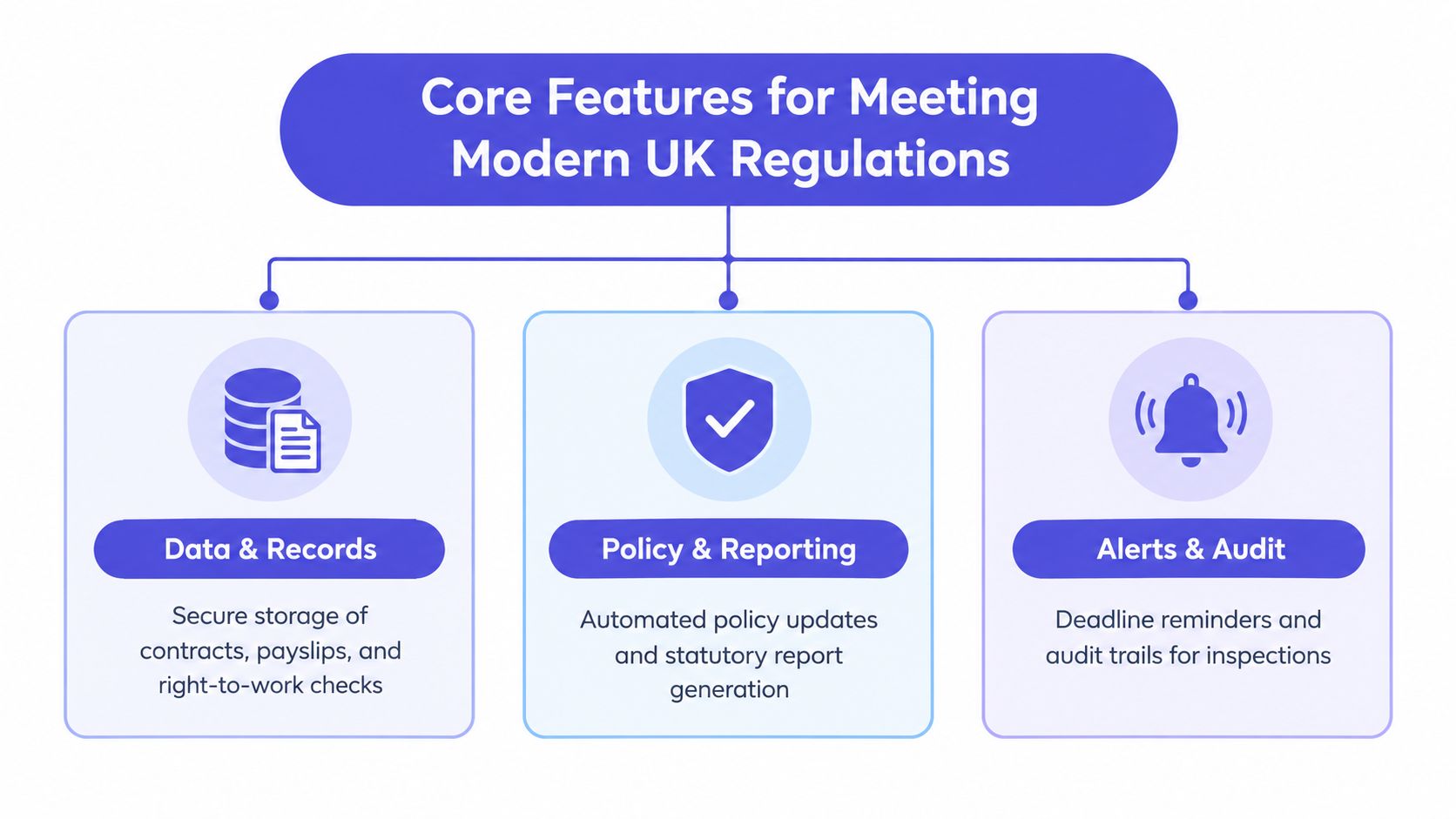
A compliance-ready platform needs more than a leave calendar and an approval button. It must apply the right rule to the right employee, preserve the evidence and make changes visible to the people responsible for payroll and workforce planning.
Rule-based entitlement calculations
Almost all workers are entitled to 5.6 weeks of paid holiday each year, which equals 28 days for a five-day worker. Part-time employees receive the same 5.6-week entitlement on a pro rata basis, as set out in the government's holiday entitlement and pay guidance.
That sounds straightforward until you employ people who work irregular patterns, part of the year or changing weekly hours. For part-year and irregular-hours workers, the government's calculation guidance provides for a 52-week reference period and allows entitlement to be calculated by multiplying hours worked by 12.07%.
A spreadsheet can contain the correct formula and still produce the wrong result if someone uses the wrong reference period, excludes relevant hours or overwrites a cell. Software should keep the rule in the configuration, apply it consistently and show how the result was reached.
Records that survive scrutiny
From 6 April 2026, employers need a records layer capable of demonstrating statutory leave and holiday-pay compliance for at least six years, including entitlement, accrual, carry-over, leave taken and holiday-pay calculations. The summary of the six-year holiday records rule explains why simple totals aren't enough.
Look for version history, role-based permissions, timestamped changes and exportable reports. You also need retention settings that reflect different obligations rather than a single delete date for every record. Working Time Regulations records must be retained for two years from the date made, and the legislation allows employers to choose the format, provided they can demonstrate compliance with working-time limits.
Absence and payroll workflow
The platform should capture the first absence notification, expected return date, fit-note information where relevant, approval history and any change to the absence period. It should then provide a clean route into payroll, with clear ownership for checking statutory pay and correcting exceptions.
Useful features include:
- Policy controls: Separate annual leave, sickness, family leave and other absence types without forcing managers to use one generic category.
- Alerts: Flag missing information, overdue approvals, return-to-work actions and unusual changes in balances.
- Reporting: Give payroll, finance and managers reports that answer practical questions, such as who was absent, when and under which policy.
- Audit access: Let authorised users retrieve the underlying record without editing the evidence they're reviewing.
The best system doesn't attempt to replace HR judgement. It makes the routine calculations and evidence consistent, leaving people to handle sensitive decisions and individual circumstances.
The Hidden Costs of Sticking with Spreadsheets
Spreadsheets look inexpensive because the licence may already be paid for. The cost appears elsewhere, in the manager who checks three versions of a holiday tracker, the administrator who re-enters sickness dates into payroll and the owner who cannot tell which balance is current.
The risk becomes sharper when absence information connects to PAYE. UK employers must keep PAYE records that include employee leave and sickness absences for three years from the end of the tax year. If records are incomplete, HMRC can estimate liabilities and issue penalties of up to £3,000, according to the HMRC guidance on keeping PAYE records.
Where the manual chain breaks
A typical spreadsheet process has several hand-offs:
- An employee reports sickness by phone, email or messaging app.
- A manager writes the date in a notebook or local calendar.
- An administrator updates the central workbook.
- Payroll receives a separate message.
- Someone later reconciles the workbook against payslips or timesheets.
Every hand-off creates an opportunity for a missed date, duplicate entry or unexplained change. The business may still have a record, but it may not have a dependable record that shows when the information was received, who approved it or how it affected pay.
Spreadsheets also struggle with policy changes. When a statutory rule changes, someone has to identify the affected employees, update formulas, test edge cases and communicate the new process. A workbook can't reliably tell you which calculation was based on an old rule unless you've built a careful version-control process around it.
A spreadsheet records what someone typed. A compliance system should also explain why the result exists and preserve the steps behind it.
The false economy
Manual tracking can work for a very small, stable team with simple working patterns. It becomes fragile when people work irregular hours, managers approve their own team's requests, employees work remotely or payroll needs absence data quickly. Adding another tab rarely fixes the underlying control problem.
A dedicated platform doesn't eliminate every risk. Incorrect configuration, poor data migration and weak permissions can create new problems. But it can centralise the workflow, reduce duplicate entry and make exceptions visible. Compare the spreadsheet model with leave management software for an SME by asking one question: could an independent person reconstruct the decision from the available record?
How to Choose the Right Compliance Software
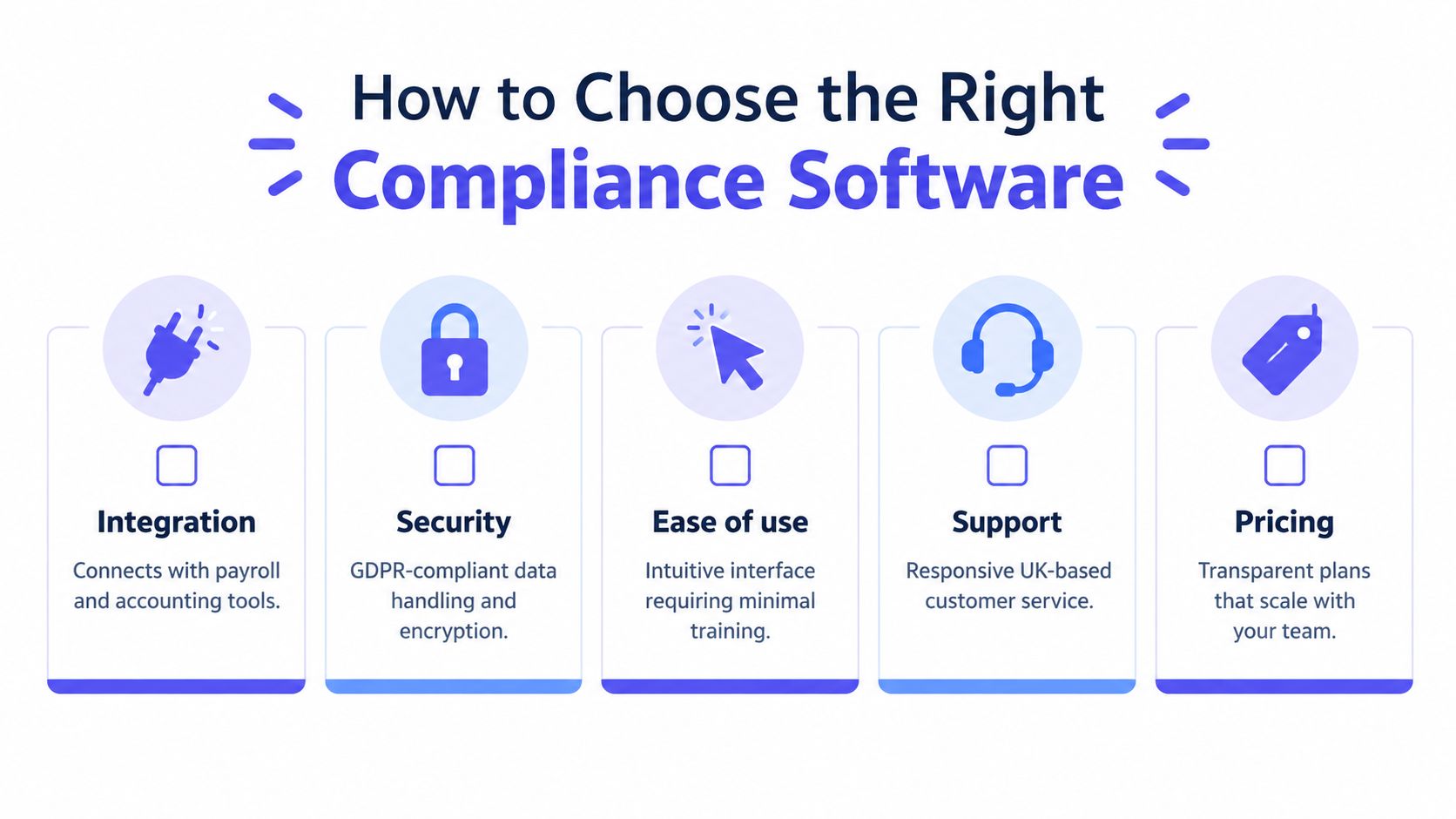
Start with your risks, not a vendor's feature catalogue. Write down how an employee reports sickness, how holiday is calculated, who approves leave, what payroll receives and where records are stored. Then identify every point where someone currently copies information or relies on a private file.
UK adoption is growing, but smaller businesses still need to buy carefully. Research cited by WTW on UK absence management found that 43% of UK SMEs already use HR software, while 44% were interested in upgrading or investing in new HR software. Price remained the main barrier for 24% of respondents, so the right choice must solve a defined operational problem rather than add another expensive dashboard.
A practical buying sequence
First, test the rules. Ask the provider to demonstrate a full-year employee, a part-time employee, a part-year worker and someone whose hours vary. Check whether the system shows the inputs, calculation method, carry-over decision and final balance.
Next, inspect the records. Ask how long records can be retained, whether audit entries can be altered, how exports work and which users can view sensitive absence details. UK GDPR handling should be clear, including access controls, encryption and the provider's responsibilities as a data processor.
Then, check the payroll connection. An integration is useful only if it transfers the fields your payroll process needs. Confirm whether it supports your payroll tool, how corrections are handled and whether an export can be produced when a direct integration isn't available.
For organisations coordinating volunteers as well as employees, a specialist resource such as volunteer management software may be more appropriate for rota, availability and volunteer-specific records than forcing those workflows into an employee leave system.
Finally, involve a line manager in the trial. If the interface is confusing, managers will delay approvals or continue using email. Use this small business HR software selection guide as a prompt, then ask for a realistic implementation plan, support arrangements and transparent pricing that won't become difficult to manage as the team grows.
Implementing Software for Smooth Operations
Implementation works best when you treat it as a records project, not a software installation. The aim is to establish one dependable set of employee data, configure the policies that apply and test the outputs before managers begin relying on them.

Build from clean source data
Begin by freezing the old spreadsheet rather than repeatedly editing it during migration. Remove duplicate employees, confirm working patterns, check opening balances and separate current records from historical information that needs to be retained.
Create a short data dictionary covering employee status, contracted hours, leave year, entitlement, carry-over, absence type and payroll identifiers. This prevents different managers from using the same word to mean different things.
Configure policies deliberately. Decide who can approve leave, which requests need additional review, how sickness is recorded, who receives alerts and which reports payroll needs. Don't import every old workaround into the new system. If a process exists only because a spreadsheet was limited, replace it with a clearer workflow.
Test before the switch
Use representative scenarios, including a mid-year starter, a part-time employee, an irregular-hours worker, a carry-over request and a sickness absence that changes its expected return date. Compare the software output with a reviewed manual calculation, then document any difference and the reason for it.
Train managers on the actions they own. They don't need a lecture on every setting. They need to know how to approve a request, record an absence, correct an error, see team availability and escalate a sensitive issue.
The 2026 SSP change makes this testing particularly important. From 6 April 2026, SSP is payable from the first full day of sickness absence and the previous three-day waiting period no longer applies. Government guidance also states that SSP is administered and paid by the employer for up to 28 weeks per sickness period, as explained in the official employer guidance on statutory sick pay.
Use the following video as part of an internal discussion about the workflow you want managers to follow, rather than treating a product demonstration as a substitute for configuration and testing.
The business case is risk reduction. A system can't guarantee compliance, and it won't replace payroll checks or professional advice. It can, however, reduce repeated data entry, expose missing information earlier and give the business evidence when someone asks how a figure was produced.
Real-World Impact on Small Business Teams
Consider a growing catering business that has relied on one annual-leave workbook and email notifications. The owner spends part of each month reconciling requests, while supervisors keep separate notes for sickness and shift coverage. Employees receive different answers about their remaining leave because the business has several versions of the same file.
The business moves to a structured system and starts with the basics. It imports confirmed employee data, reviews opening balances, assigns approval permissions and creates separate workflows for holiday and sickness. Managers submit requests in one place, employees can see their balances and the owner receives a consistent absence report for payroll.
The improvement isn't a vague promise of “more efficiency”. It's practical control:
- Managers see availability: They can check approved leave before agreeing new dates.
- Employees see their records: Self-service access reduces repeated questions and makes approvals easier to follow.
- Payroll receives clearer information: Absence dates, changes and approvals come through a defined process.
- The owner can investigate: A report and audit history replace a search through personal inboxes.
- The team works from policy: Rules are configured once and applied consistently, with exceptions handled deliberately.
The business still needs people to review unusual cases, protect sensitive information and keep policies current. Software doesn't remove responsibility. It gives the responsible people a reliable operating record, so they can spend less time repairing administration and more time supporting staff and planning cover.
For an owner drowning in spreadsheets, that shift is significant. Compliance becomes part of the daily workflow instead of a crisis reserved for payroll deadlines, employee disputes or regulatory change.