
It's Friday afternoon and a part-time employee who works three days a week wants a straight answer. They started in September, they've already taken a few days, and they're asking how many hours they have left. You check the spreadsheet. Someone else updated it last month, the bank holidays look wrong, and the contract gives more than the statutory minimum. That's where holiday hours go wrong before anyone notices.
A good Holiday Hours Calculator UK tool should settle that question in minutes. The catch is that tools do different jobs. Some check a statutory figure once and stop. Others handle starters and leavers, estimate accrual for irregular hours, or turn a one-off answer into a live leave record.
This comparison groups ten tools by the job they do for a small business. Each one is judged against the same kinds of cases, including that September starter on a part-time pattern, so you can see where outputs agree and where they start to diverge. Use the quick checks for a quick answer. Don't trust any of them with a contractual enhancement, an unusual shift pattern or a payroll decision until you've checked the contract first.
Table of Contents
- 1. GOV.UK Calculate Holiday Entitlement
- 2. LeaveWizard Holiday Entitlement Calculator
- 3. Timetastic Holiday Entitlement Calculator
- 4. Breathe Holiday Entitlement Calculator
- 5. TimeOff.Management UK Holiday Entitlement Calculator
- 6. Worktally Holiday Entitlement Calculator
- 7. Legal Directorate Holiday Entitlement Calculator
- 8. PayPrompt Holiday Pay and Entitlement Calculator
- 9. Rotaleave Free UK Holiday and Leave Calculators
- 10. BrightHR Holiday Planner and Absence Management Software
- Holiday hours calculator UK tools at a glance
- Pick the Calculator Then Check the Contract
1. GOV.UK Calculate Holiday Entitlement
Use the GOV.UK holiday entitlement calculator to check statutory leave for a full or partial leave year. It can help with starters and leavers, including a three-day-a-week employee who starts in September. The calculator also supports accrual calculations for some irregular-hours and part-year workers.
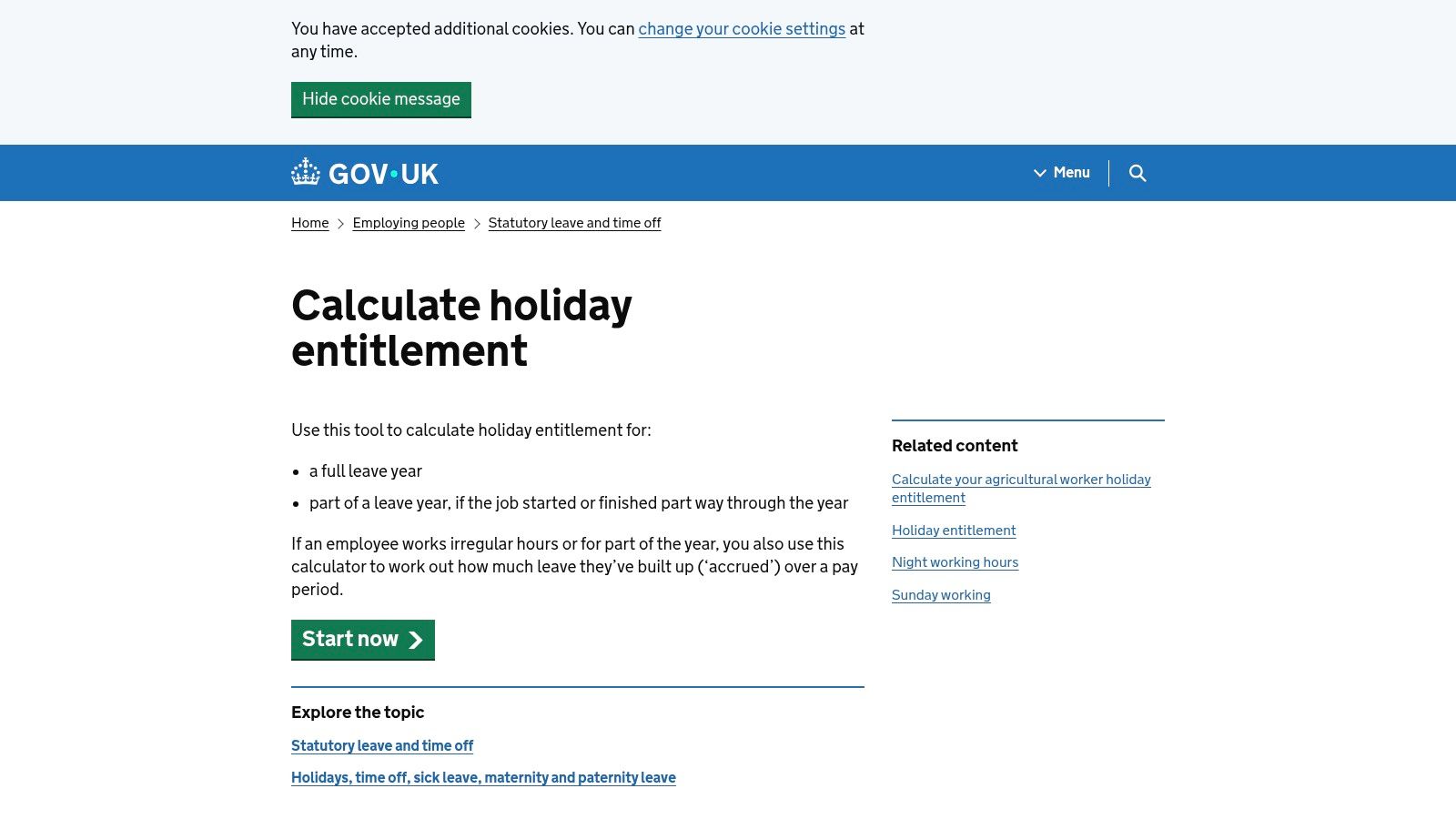
The statutory minimum is 5.6 weeks of paid annual leave, equivalent to 28 days for someone working five days a week. A contract can offer more. Applying 5.6 weeks to a three-day working week gives 16.8 days; for a four-day week of eight-hour shifts, the calculation is 179.2 hours. These are derived figures, not amounts quoted by the guidance.
Where it stops
- Strongest use: A free, quick check of statutory entitlement, with no account required.
- Weak spot: It does not track requests, approvals or ongoing balances.
- Contract trap: The calculator checks statutory entitlement, not any additional leave your contract provides.
Use the result as a statutory baseline, then check the contract before recording leave or updating payroll. If the figures differ, review both the inputs and any contractual enhancement. For the calculation method, see this guide to the holiday calculation formula for employers.
2. LeaveWizard Holiday Entitlement Calculator
A September starter on a three-day week can leave an admin checking the same pro-rata balance each month. LeaveWizard offers both a free calculator for a one-off estimate and subscription software for tracking approved leave against employee records.

The LeaveWizard Holiday Entitlement Calculator lets you enter working days or hours, the employee's start or leave dates, and their annual allowance. It returns a pro-rata entitlement, giving you a figure to check against the contract before recording it. For a calculation walkthrough, see how to work out pro-rata holiday step by step.
The paid software adds ongoing records: managers can approve leave against an employee's balance rather than relying on a spreadsheet. It also supports overtime, TOIL and carry-over, which may help if your policy tracks these separately. Check the current pricing and trial terms before deciding whether the wider system suits your team.
Practical rule: If you're recalculating the same person's balance repeatedly, record approved leave against a maintained balance.
The trade-off is ongoing tracking in exchange for using the wider software. Complex cases still need checking against current rules and the employee's contract.
3. Timetastic Holiday Entitlement Calculator
A November balance check can be difficult when an employee works uneven shifts. Timetastic's holiday calculator gives results in days or hours and distinguishes leave owed for a period from leave accrued so far. You can also check full-year and pro-rata entitlement, making it useful for comparing the same part-time or September-starter scenario across calculators.
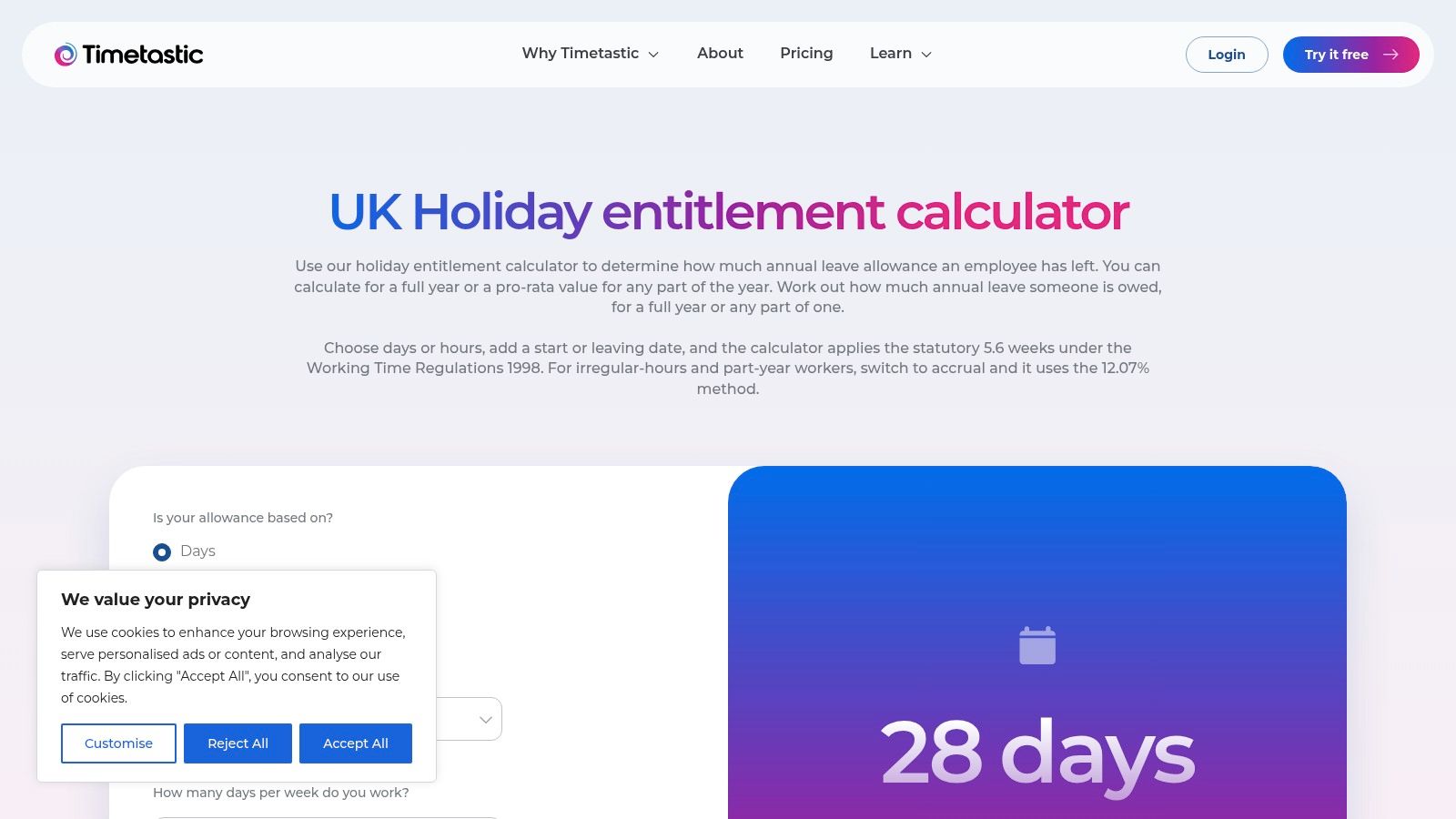
For irregular-hours and part-year workers, statutory leave accrues at 12.07% of hours worked in each pay period for leave years beginning on or after 1 April 2024, under the GOV.UK holiday entitlement reforms guidance. Its worked example converts 30 hours in a weekly pay period to 3.621 hours. Check current guidance and the calculator's rounding before using that figure in a leave record. The tool's accrual method is unverified, so don't assume it applies the statutory calculation.
Best fit
- Part-time patterns: Compare hours with days when shifts vary in length.
- Variable hours: Use the result as an estimate, then verify the pay-period calculation.
- Ongoing records: Timetastic has a separate leave-management service, but its features and fit for your process should be checked on the vendor's page.
Check enhanced leave, carry-over and bank-holiday terms against the contract. A calculator cannot confirm your workplace policy.
4. Breathe Holiday Entitlement Calculator
A three-day-a-week employee starting in September gives you a practical test of Breathe's holiday calculator. The tool offers daily and hourly modes, so compare both results using the same working pattern. Its provider presents the calculator as a way to estimate entitlement, including for employees who start partway through the leave year.
Enter the full-time allowance and working pattern carefully. The result depends on those inputs. If the employee's contract provides more leave than the statutory allowance you enter, the estimate will understate their entitlement.
For the September starter, compare the days and hours outputs, then check how the figures handle a working day that is shorter or longer than the standard. Treat any difference as a prompt to check your rounding method and contract terms, not as proof that one view is correct.
Breathe describes the standalone calculator as free. It can provide an estimate, but it does not maintain live leave records or approval workflows. For those, you will need Breathe's wider HR and leave-management product or another system that records approvals and balances.
5. TimeOff.Management UK Holiday Entitlement Calculator
For a part-time employee starting in September, TimeOff.Management's UK calculator lets you check entitlement in days or hours and see how the result is calculated. It's free to use without signing up. You can set a company or statutory allowance, choose how bank holidays count, and copy, download or print the breakdown.
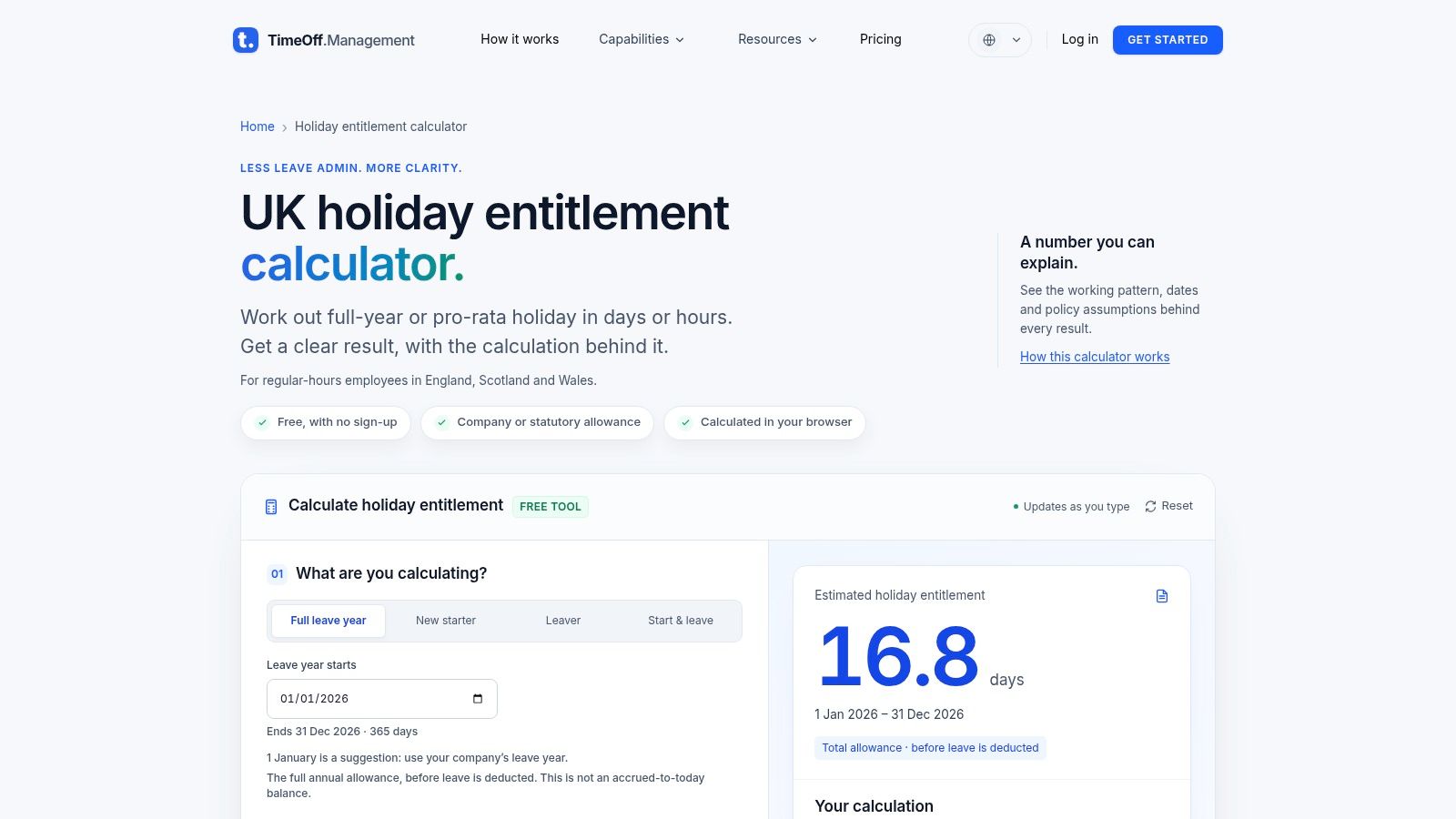
Set the bank-holiday location to match the employee's work arrangements. The official UK bank holiday calendar shows that dates vary across the UK, so a single assumption can distort calculations for teams working in different nations. Check whether bank holidays are included in the employee's allowance before accepting the result.
What to check
- Pattern options: Calculate for a full leave year, a new starter, a leaver, or someone starting and leaving within the year.
- Compressed weeks: Use hours mode when working days vary in length.
- Scope limits: It excludes Northern Ireland, and does not cover irregular-hours or statutory part-year arrangements, or calculate holiday pay.
Use it as a cross-check for regular-hours staff in England, Scotland and Wales. For cases outside that scope, check official guidance rather than relying on its estimate.
6. Worktally Holiday Entitlement Calculator
Worktally's holiday entitlement calculator packs several common inputs into one page. You can work in days or hours, add starter and leaver dates, and review example figures for common working weeks. It's handy when you want a second estimate without setting up software.
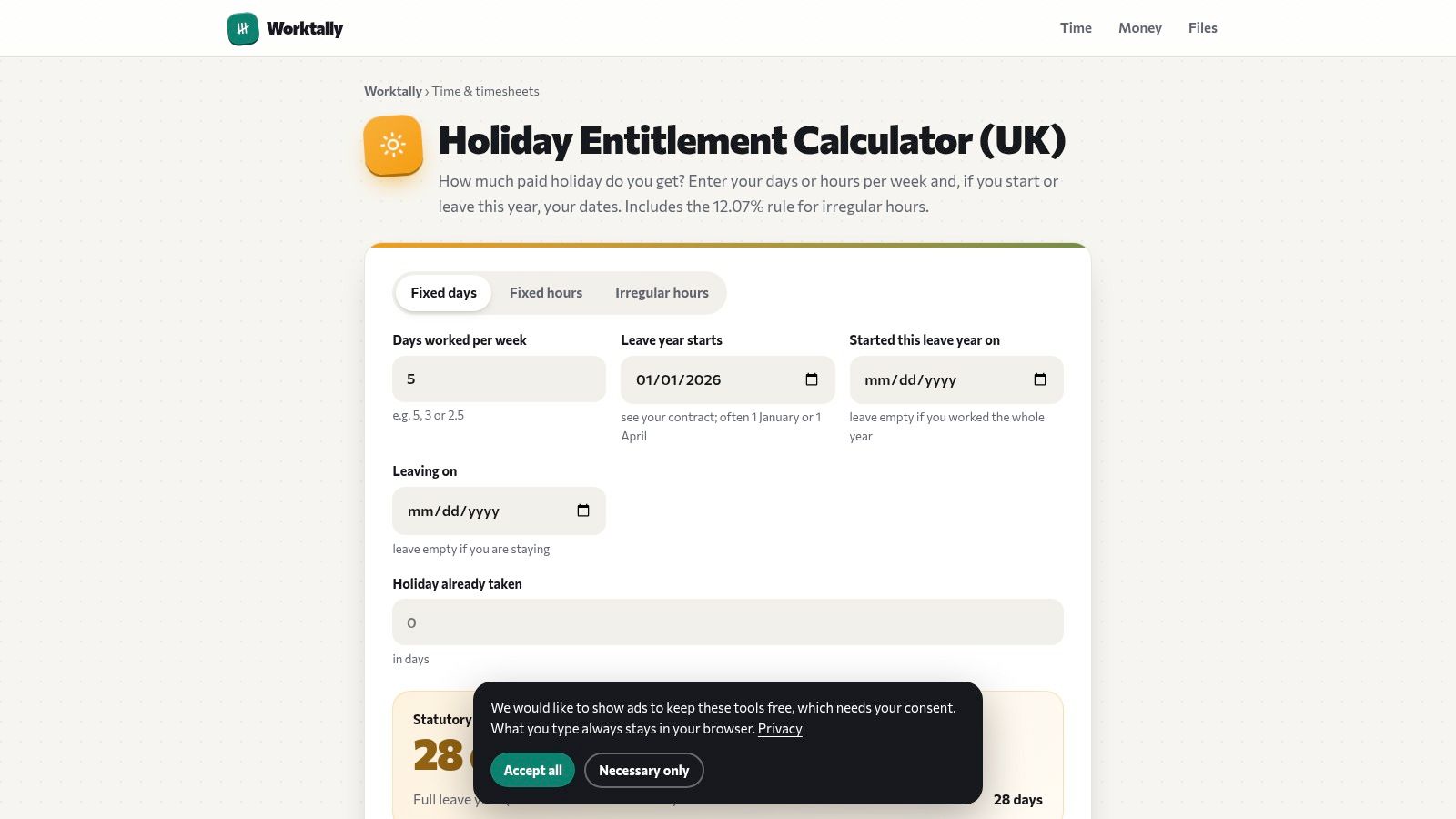
The page also describes a percentage-based accrual approach for irregular hours. Use that section as a prompt to verify, not as your final authority. Compare the result with the official calculator, check the leave-year start date, and make sure the worker falls into the irregular-hours or part-year category.
A second calculator only helps if it uses different inputs visibly. If two tools disagree, write down the allowance, leave year and bank-holiday assumption behind each answer before you pick one.
Worktally doesn't provide ongoing balances or approvals. That's fine for a Friday afternoon estimate. It isn't fine for a team where three managers approve leave from different spreadsheets. Once you've settled the figure, move it into one controlled record and stop recalculating it from memory.
7. Legal Directorate Holiday Entitlement Calculator
The Legal Directorate holiday entitlement calculator is built for common pro-rata arguments. It estimates entitlement in days or hours, includes starter, leaver and combined options, and can show accrued leave by a chosen date. You can also compare its result with an employer's figure.
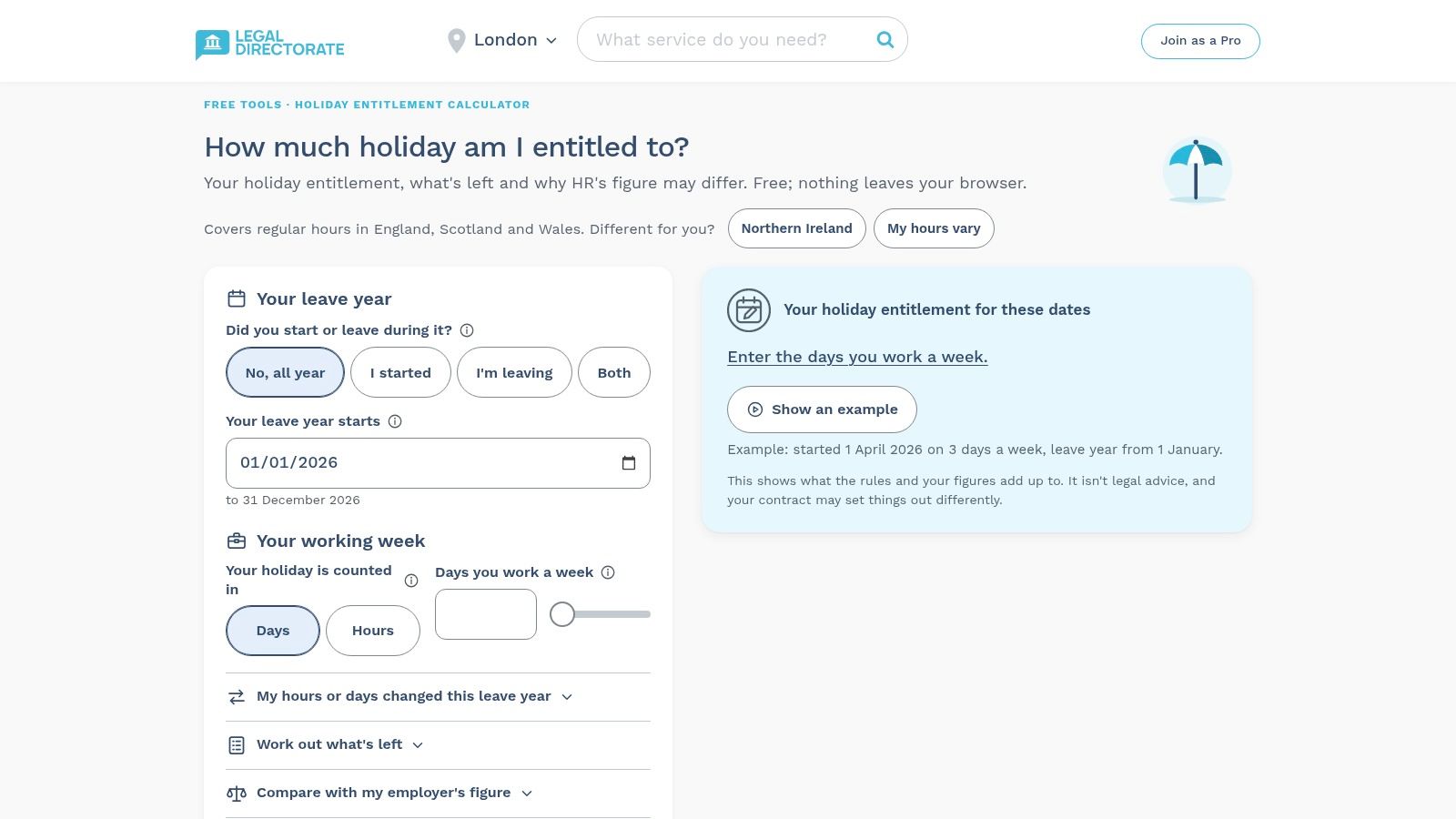
That comparison feature is useful when an employee disputes a balance. Instead of trading screenshots, you can review the working, check bank-holiday treatment, and identify which assumption creates the gap. The tool states its scope and limitations, which is a point in its favour.
Limits to respect
- Technical: The interactive calculator requires JavaScript.
- Geography and pattern: Its stated rules cover regular-hours work in England, Scotland and Wales.
- Purpose: It's an estimate, not a payroll or HR system.
For a straightforward part-time starter, it can confirm your maths quickly. For irregular shifts, contractual enhancements or a final pay decision, don't let a tidy on-screen breakdown do more work than it should. Verify those cases against the contract and current official guidance.
8. PayPrompt Holiday Pay and Entitlement Calculator
For a small business checking both leave hours and pay, PayPrompt's holiday pay calculator puts the two estimates in one place. Enter working days, leave-year months, weekly hours, bank holidays and gross weekly pay to see statutory leave in days or hours, plus an optional estimate of its monetary value.
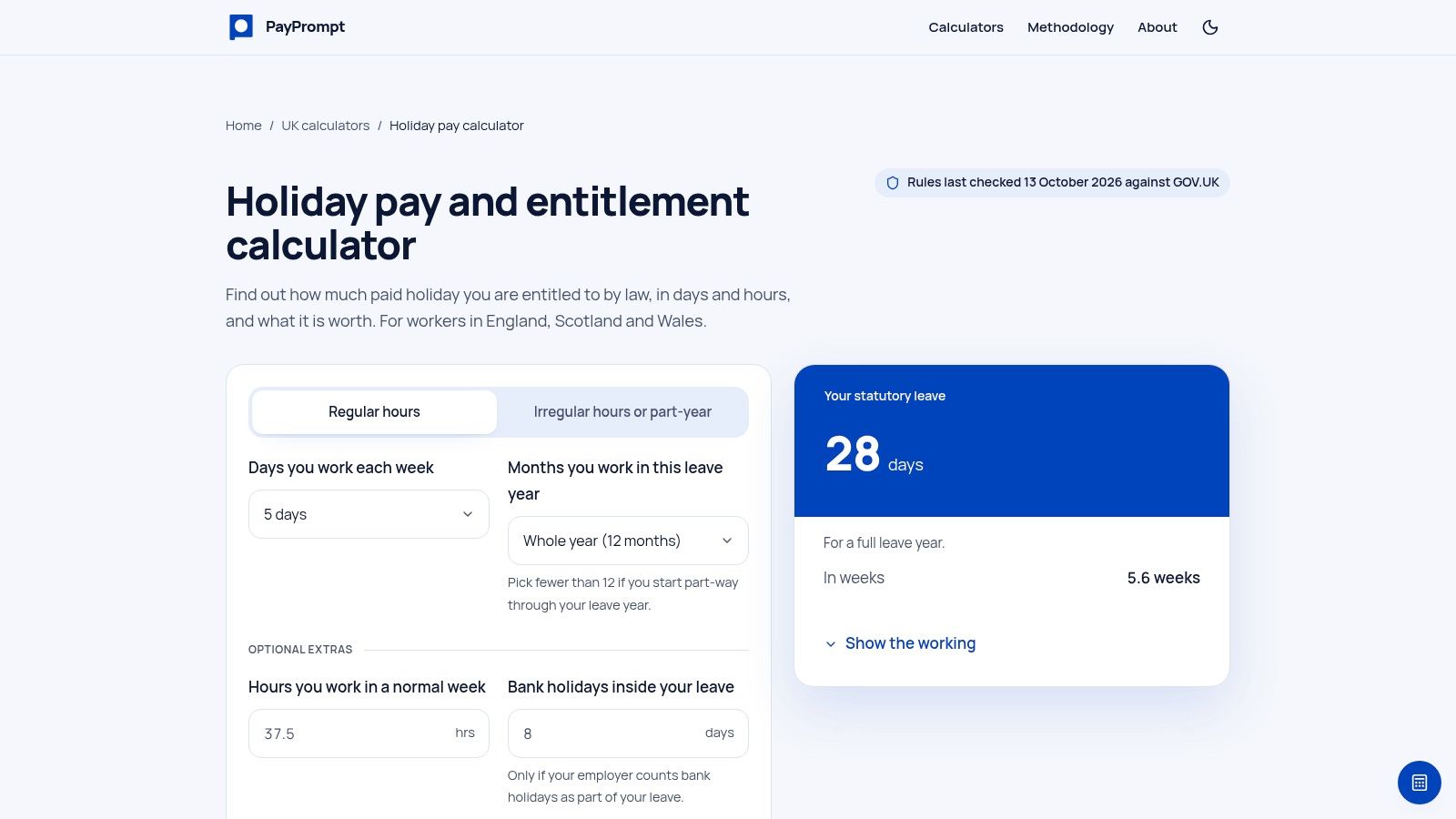
The pay estimate needs more caution than the hours result. Since 1 April 2024, eligible irregular-hours and part-year workers may receive rolled-up holiday pay as a separately identified uplift with wages, according to GOV.UK holiday pay guidance. A correct hours balance does not confirm that the pay treatment is right, particularly for regular-hours staff. For a practical overview before discussing the estimate with payroll, read how to calculate holiday pay in the UK.
PayPrompt shows its working and states that it covers England, Scotland and Wales, helping you check the assumptions. Use the monetary figure to identify questions for payroll, not as a payslip decision. The calculator does not manage leave requests or balances, so ongoing records still need another process.
9. Rotaleave Free UK Holiday and Leave Calculators
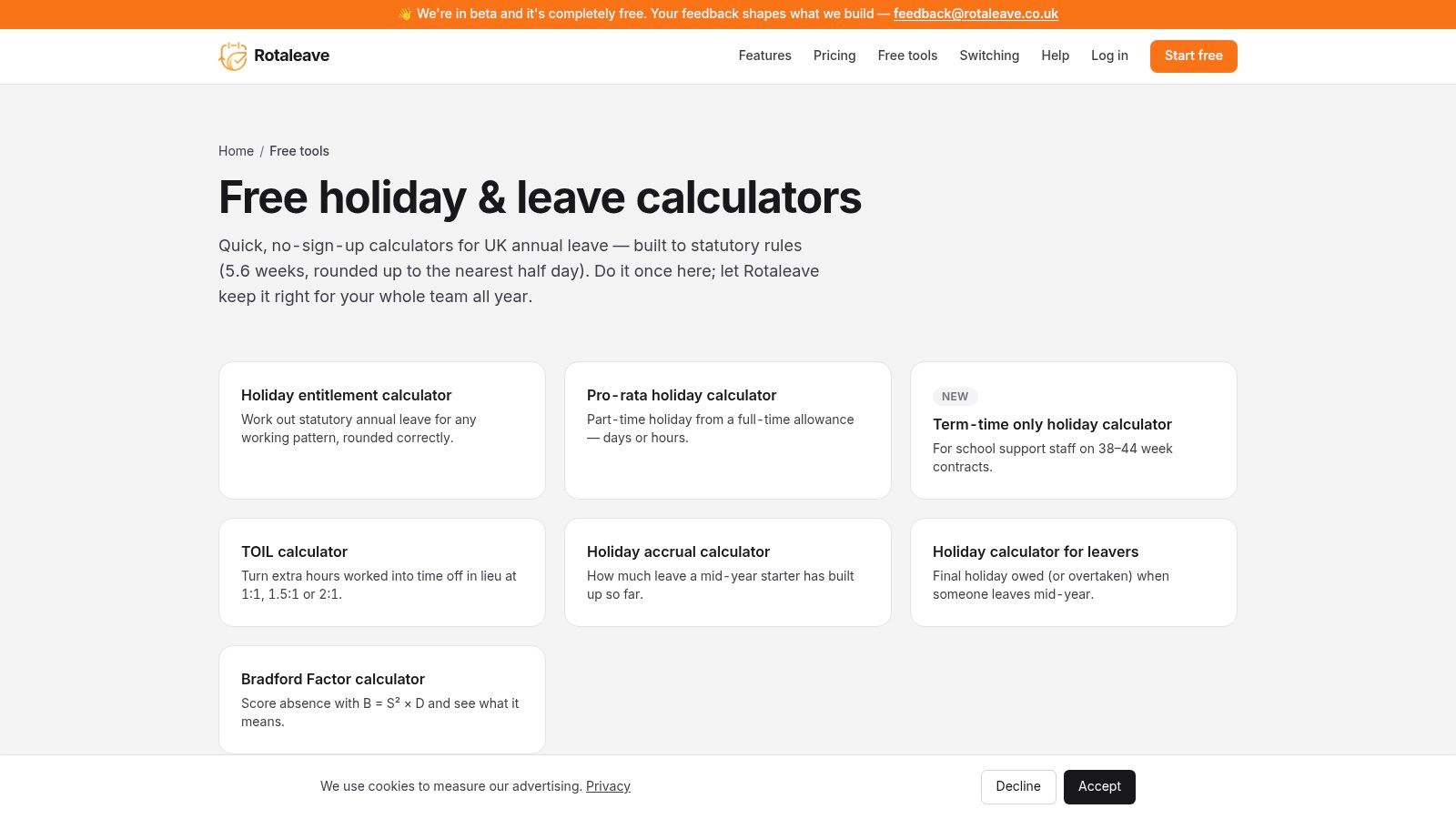
For a part-time starter joining in September, Rotaleave's separate pro-rata calculator can help check the entitlement for the remaining leave year without filling in fields for unrelated calculations. The provider lists holiday entitlement and pro-rata calculators among its free leave calculators, says they require no sign-up, and states that part-time allowances can be calculated in days or hours against UK statutory entitlement.
Check the calculator's inputs before using its result. The available description does not specify whether bank holidays are included, which UK nations are covered, or how irregular hours are treated. Confirm those points, along with the employee's leave-year dates and any contractual entitlement above the statutory minimum, before recording a figure.
- Good for: A quick pro-rata check for a part-time employee with a known working pattern.
- Check first: Whether the selected tool matches the worker's hours, leave year and bank-holiday arrangement.
- Admin tip: Keep the inputs with the result. If the employee's hours change, you can see what assumptions produced the original balance.
That record matters when a September starter's remaining-year entitlement needs to be checked or explained later. A calculator result is only useful if its assumptions match the contract.
10. BrightHR Holiday Planner and Absence Management Software
For a part-time employee starting in September, you need the working pattern, leave-year dates and any contractual allowance to calculate a pro-rata entitlement. BrightHR's public information describes a holiday planner and absence management system, but does not verify a calculator that takes those inputs and returns an entitlement. Use a dedicated calculator for the figure, then check it against the contract before recording the balance.
BrightHR offers a staff holiday planner and booking system alongside absence management, shift and rota planning, custom reporting and optional HR advice. It is relevant when the job extends beyond a one-off calculation.

A calculator is no longer enough when managers need to check team availability before approving leave, keep absence types distinct, or reconcile leave balances with rotas. Reporting can also reduce repeated spreadsheet work. Before choosing a system, confirm that it records hours as well as days, handles your leave year and part-time patterns, and keeps a clear record of changes and approvals.
If the team only needs entitlement figures and straightforward approvals, a broader HR platform may add unnecessary administration. If rotas, absence records and leave balances are managed separately, one system may make those records easier to coordinate. BrightHR's published information does not establish how it calculates the September starter's entitlement, so verify that capability before relying on it for the maths.
Holiday hours calculator UK tools at a glance
The right calculator depends on the job: checking statutory entitlement, handling a starter or leaver, estimating accrual for irregular hours, or maintaining leave records. Compare tools using the same employee details, such as a part-time worker starting in September. Outputs can differ when tools use different assumptions, so check what each one covers before relying on the result.
| Tool | Days or hours | Starters and leavers | Irregular-hours support | Manages ongoing leave |
|---|---|---|---|---|
| GOV.UK, Calculate holiday entitlement | Calculates entitlement | Calculates entitlement for full or partial leave years | Covers some irregular-hours and part-year accrual cases | No |
| LeaveWizard, Holiday Entitlement Calculator (recommended) | Free entitlement calculator | Calculates starter and leaver pro-rata allowances | Includes an irregular-hours accrual calculation; check complex cases against current rules | Yes, requests, approvals and balances |
| Timetastic, Holiday entitlement calculator | Calculates in days or hours | Calculates pro-rata entitlement | Offers an hourly accrual option | Yes, through a separate leave-management service |
| Breathe, Holiday entitlement calculator | Calculates in daily or hourly mode | Supports mid-year starters and pro-rata calculations | Not covered in this review | Yes, through its wider HR product |
| TimeOff.Management, UK holiday entitlement calculator | Calculates in days or hours | Includes new-starter and leaver options | Not supported | No |
| Worktally, Holiday entitlement calculator | Calculates in days or hours | Includes starter and leaver inputs | Describes accrual using 12.07% | No |
| Legal Directorate, Holiday entitlement calculator | Calculates in days or hours | Includes starter and leaver options | Covers regular-hours cases | No |
| PayPrompt, Holiday pay and entitlement calculator | Estimates entitlement in days and hours | Includes part-year employment inputs | Not covered in this review | No |
| Rotaleave, Free UK holiday and leave calculators | Supports days or hours | Not covered in this review | Not covered in this review | No |
| BrightHR, Holiday planner and absence-management software | Not covered in this review | Not covered in this review | Not covered in this review | Yes, holiday planning and absence management |
For a one-off calculation, a calculator may be enough. If the task includes ongoing requests, approvals or balances, choose a tool that records leave too. Where a capability is marked not covered in this review, confirm it with the provider rather than treating the gap as a confirmed limitation.
Pick the Calculator Then Check the Contract
A 3-day part-time employee starts in September, and the leave year runs from April. On Friday, you need an answer the manager and payroll can both use. Check the employment contract, leave-year dates and current GOV.UK guidance before approving the balance. Use the official calculator for the statutory figure, then cross-check the case in hours with a tool that shows its working. Record the inputs, result and approver together.
The practical risks are usually small mismatches between the calculation and the contract. A manager may count days for an employee whose shifts vary in length. A spreadsheet may include bank holidays in an allowance when the contract gives them on top. A starter calculation may use the calendar year instead of the employer's April-to-March leave year. These assumptions can affect payroll, a leaver's final pay or a disputed booking.
Carry-over needs its own record. Workers generally must take statutory leave within the relevant leave year, unless a valid agreement or legal exception allows carry-over. ACAS guidance on carrying over holiday explains the maximum of 4 weeks that may be carried over if an employer failed to allow or encourage leave. Keep entitlement, leave taken, contractual carry-over and the reason for any unused balance as separate entries. Combining them into one figure makes year-end checks harder.
Clear balances also help managers prompt employees to book leave before the year ends, reducing the chance of a last-minute carry-over dispute. The Breathe holiday burnout report published via PR Newswire covers holiday use and burnout. Whatever the reason for unused leave, accurate records give managers a clearer basis for discussing it.
Admin standard: Keep the calculation, the relevant contract clause and the approved balance together. If you cannot show how you reached a figure, it is not a reliable record.
Choose the tool by the job, then check where its assumptions stop matching the case. GOV.UK is for checking the statutory floor. TimeOff.Management and Legal Directorate show inputs for starter and leaver calculations. Timetastic and Breathe offer hourly options for cases where days obscure shift lengths. PayPrompt addresses holiday pay as well as entitlement. These calculators can help compare outputs for the September starter, but none replaces a contract check. Once the result is agreed, LeaveWizard can hold balances, requests and approvals together, giving the next calculation a recorded starting point.
LeaveWizard helps small businesses move from one-off calculations to shared leave records, with requests, approvals, calendars and balances in one place. Visit LeaveWizard to explore its calculator and leave-management software.


